APX 525/625 Generator Revision C Using Del APR Utility
©
2005 Del Medical Imaging Corporation
7/5/2005 Page 189
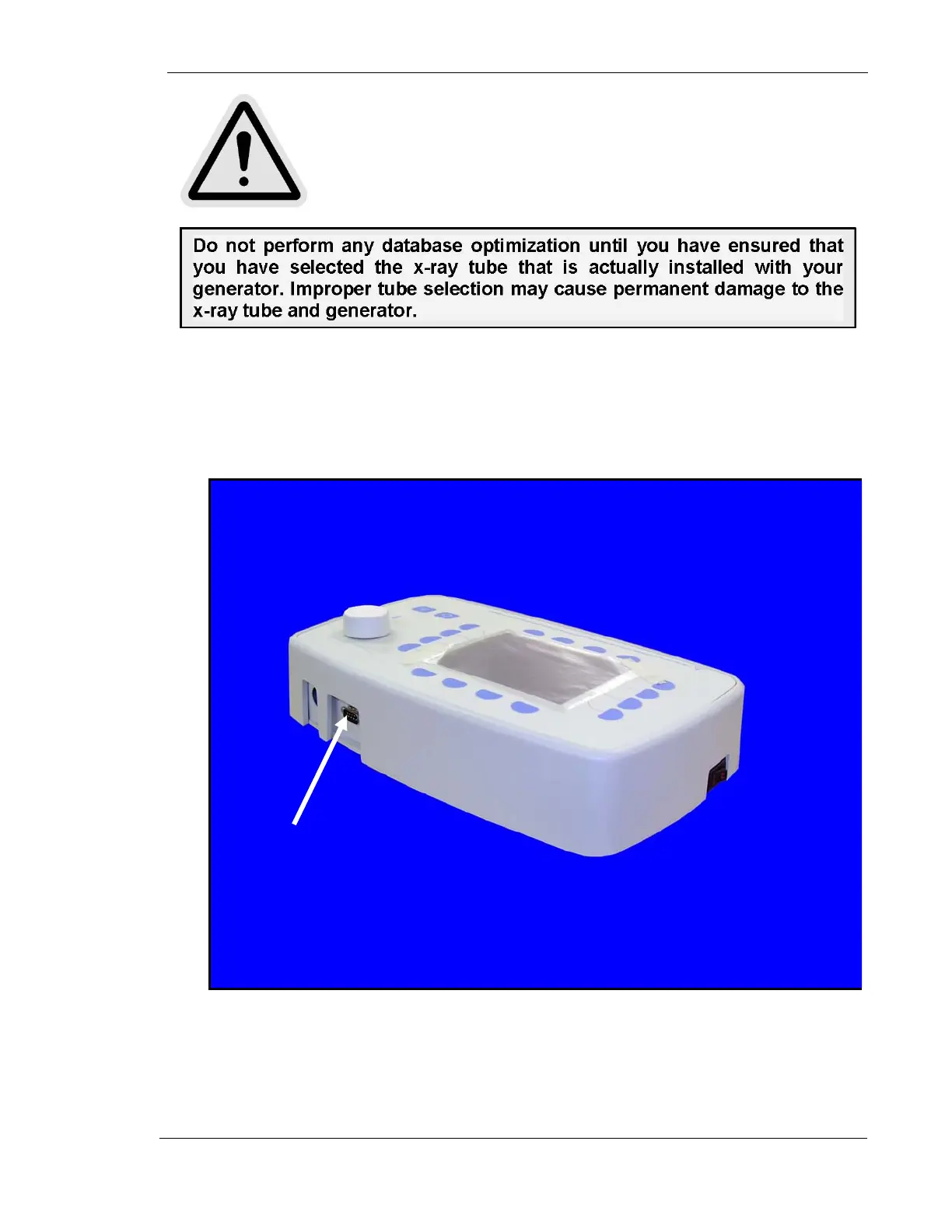
• Plug the DB9 cable into the serial port of the laptop. (Note: the Del APR Utility
program is configured to use the COM 1 port only. Ensure that your serial port
is configured for COM 1) Plug the other end of the cable into the 9 pin Sub-D
connector at the rear of the Operator’s Console (J8).
• Start the generator in the Dealer Configuration Mode, by pressing and holding
the second key from the left at the bottom of the display screen, while turning
the power switch at the side of the Operator’s Console ON.
J8



 To Next Page