MM101 – D-4E HOT MELT UNIT 60
VALCO MELTON S.L.U. Pol. Ind. Agustinos C/G 34 3116 0 ORCOYEN, NAVARRA
TEL: +34 948 321580 Fax: +34 948 326584 melton@melton.es www.valcomelton.com
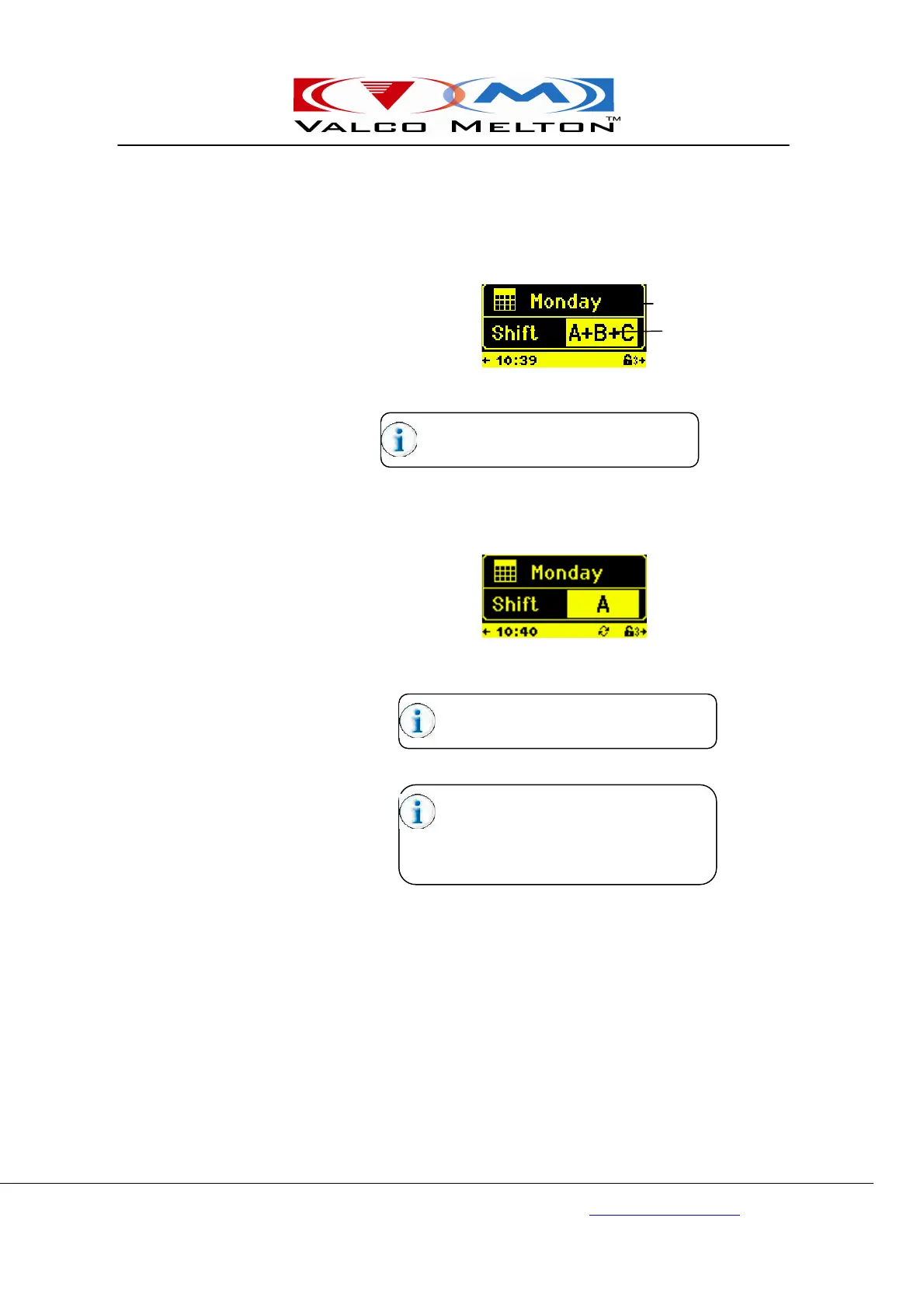
After setting all shift times (previous page), program the shifts that
will be enabled for each day of the week. The Up/Down Arrow
Buttons cycle through the different combinations of shifts, and the
Left/Right Arrow Buttons cycle through the days of the week.
Shifts that will work on
the above day of the
week (A, B, C, A+B,
Day (Monday through
Sunday)
This screen states that on Mondays all
three shifts (A, B, and C) will be working.
This screen states that on Mondays only
Shift A will be working.
After setting all shift times (previous page)
and programming the shifts that will be
working for each day of the week (this
page), be sure the Clock Function is On
and is set properly



 To Next Page