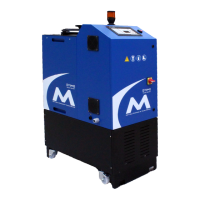
MM101 – D-4E HOT MELT UNIT 63
VALCO MELTON S.L.U. Pol. Ind. Agustinos C/G 34 3116 0 ORCOYEN, NAVARRA
TEL: +34 948 321580 Fax: +34 948 326584 melton@melton.es www.valcomelton.com
To restore the factory default settings, follow these steps :
Caution! Restoring the factory default settings will permanently erase
changes made to any parameter or setting!
1. Switch off power to the unit.
2. Power the unit back up while pressing and holding the Setup
Button and the OK Button on the keypad. The buttons can be
released once the start-up screen appears.
Restoring
Factory
Default
Settings



 To Next Page