MM101 – D-4E HOT MELT UNIT 78
VALCO MELTON S.L.U. Pol. Ind. Agustinos C/G 34 3116 0 ORCOYEN, NAVARRA
TEL: +34 948 321580 Fax: +34 948 326584 melton@melton.es www.valcomelton.com
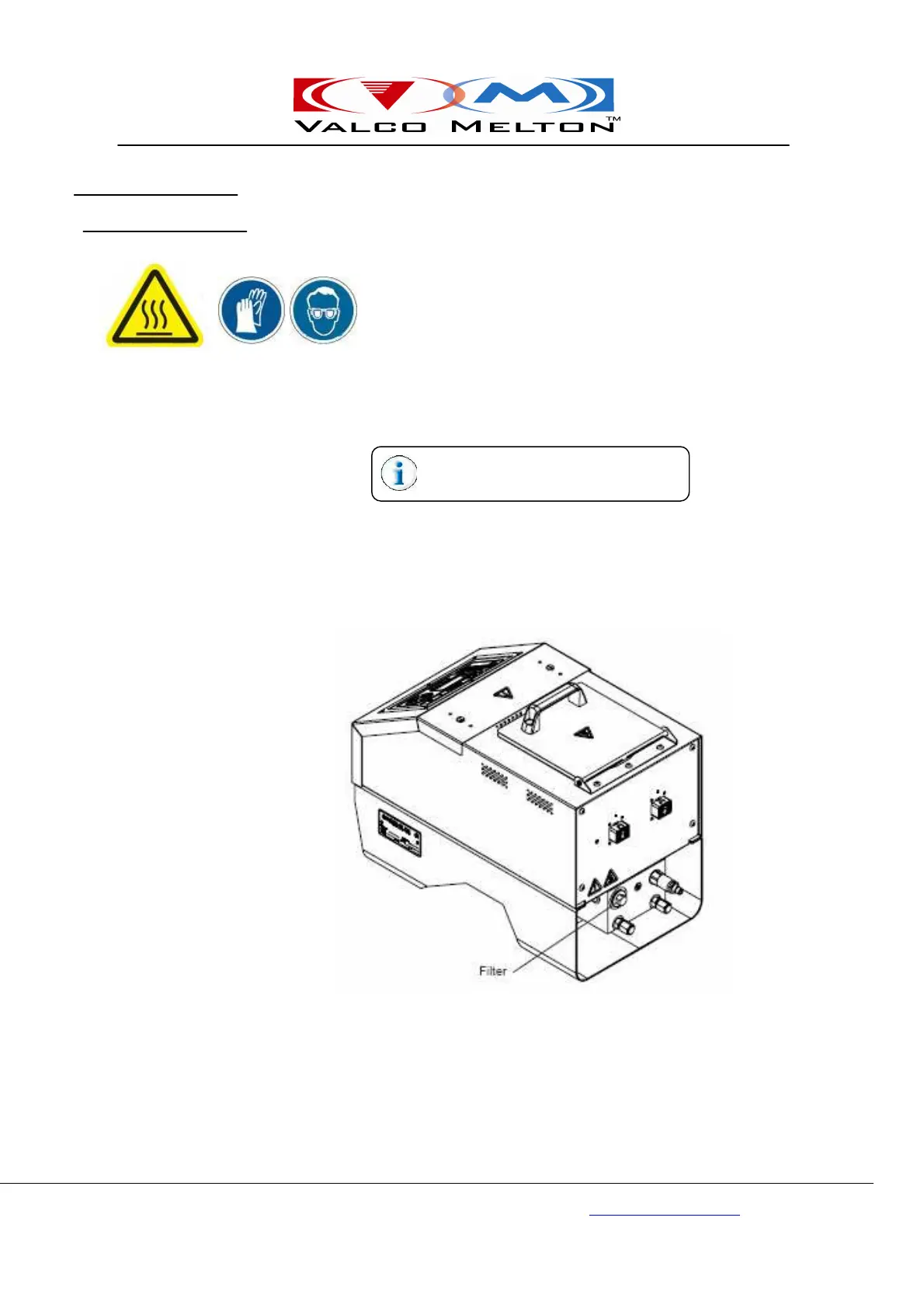
To change the filter, do the following:
Warning! If the system is hot, wear insulated gloves and eye
protection when disconnecting hoses. Trapped air pockets
may cause adhesive spray and result in personal injury
(burns) or death.
1.
Make sure that the pump is turned off.
2.
Manually activate the applicators to relieve any system pressure.
3.
Unscrew the filter assembly from the manifold and discard.
4.
Thread a new filter assembly into the manifold. See Section 10 Part
Number List for more information.
The new material can now be pumped
through the system.
Changing the Filter



 To Next Page