MM101 – D-4E HOT MELT UNIT 62
VALCO MELTON S.L.U. Pol. Ind. Agustinos C/G 34 3116 0 ORCOYEN, NAVARRA
TEL: +34 948 321580 Fax: +34 948 326584 melton@melton.es www.valcomelton.com
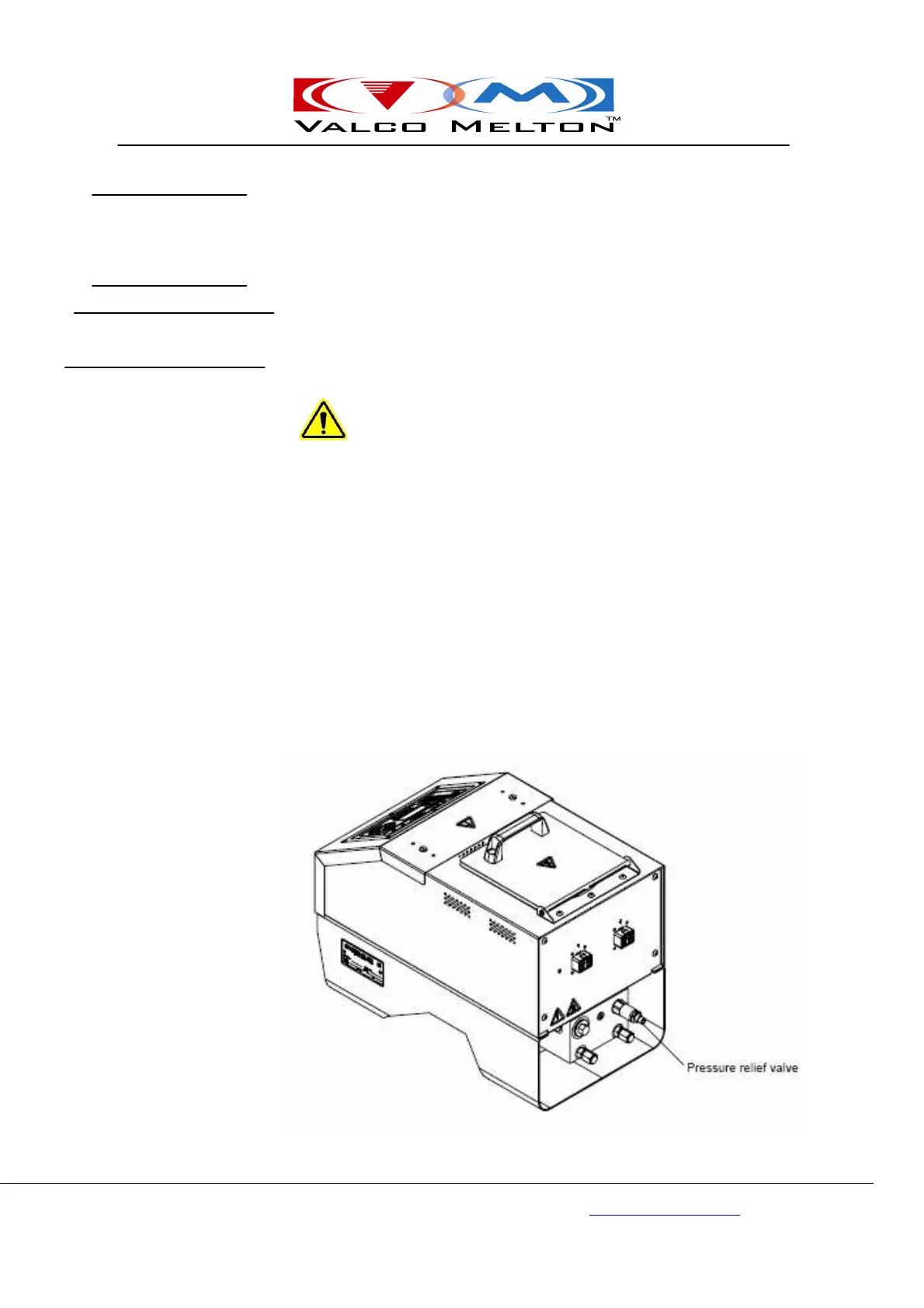
The D4-E unit contains a single-stage relief valve (see figure below).
Additionally, the D4-E unit can use an optional pneumatic relief valve
(707xx212).
The single-stage relief valve is a simple safety device which protects the
system from excessive pressure. The single-stage relief valve is commonly
used for systems that are applying adhesive continuously (laminating).
To adjust the single-stage relief valve, follow these steps:
Caution! Do not overtighten adjusting screw. Failure to comply could
result in damage to the equipment.
1. Turn off pump motor.
2. Loosen the locknut on the pressure relief valve.
3. Turn adjustment screw clockwise to increase pressure
counterclockwise to decrease pressure.
4. Tighten the locknut on the pressure relief valve.
5. Turn on pump motor and resume operation.
Pressure
Control Valve
Adjusting the single-
Stage Relief Valve



 To Next Page