Config default printer automatically: By enabling this setting, when a new printer is
connected to the terminal device this new printer will be set as the default printer for the
terminal session.
Note: Not supported for configuring default scanner device automatically. If you use
multiple scanner devices at the same time, you need to manually select which device to
work.
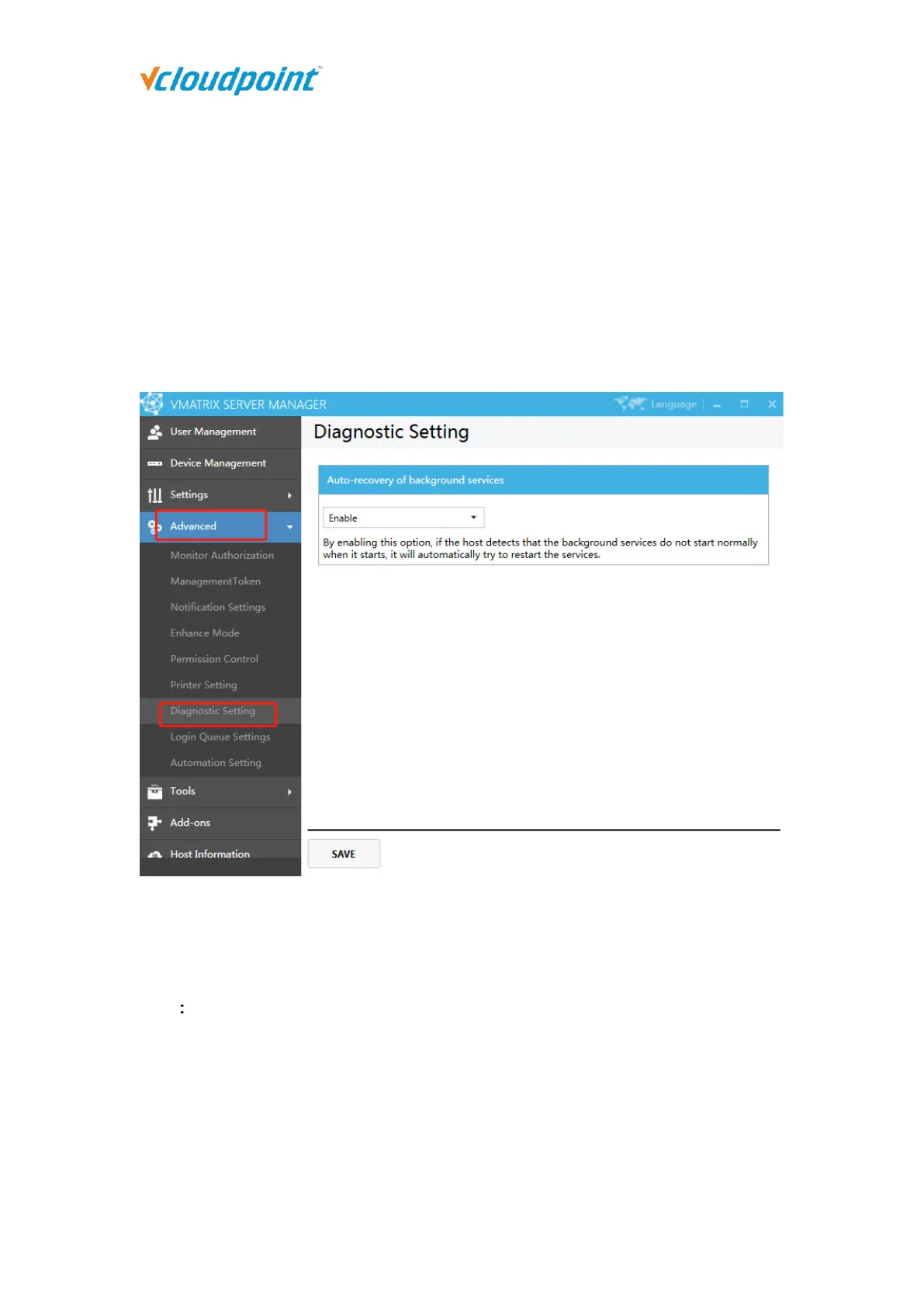
5.4.7 Diagnostic setting
Auto-recovery of background services: By enabling this option, If the host detects that
the background services do not start normally when it starts, it will automatically try to
restart the services.
Note This function will only detect and start the service when the host is just turned on.
If the background services crash or is discontinued during use, it will not take effect.



 To Next Page