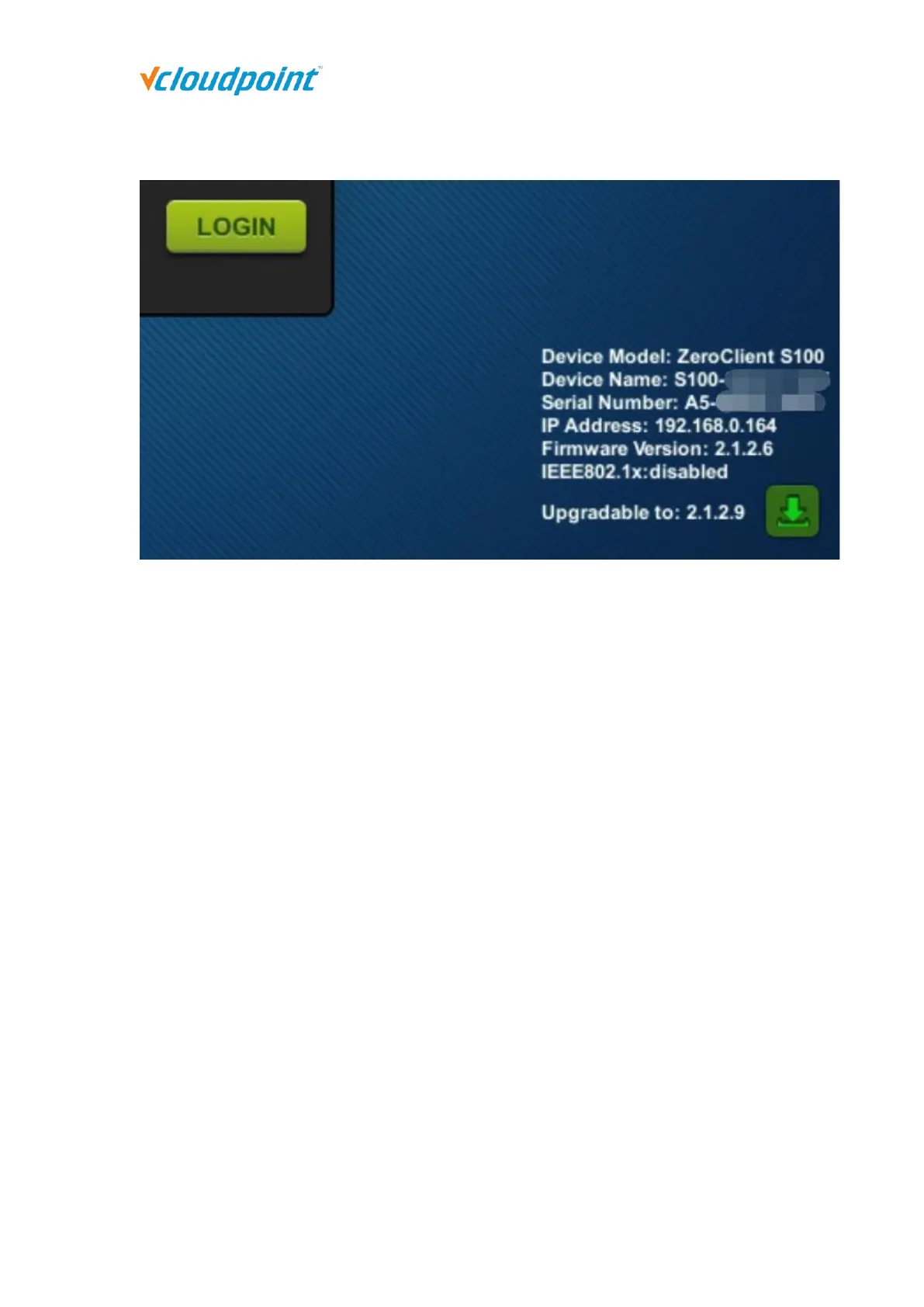
Click the download button to update.
4.6 Firmware Update
It is always recommended to use the latest available version of firmware on your
vCloudPoint zero client. Each installation of vMatrix Server Manager includes the latest
firmware, so no additional downloads are necessary to complete this process. When
powered on, the zero client establishes connection with vMatrix Server Manager and
checks for update, if there is a new version available. Firmware update is not always
required when a new version of vMatrix Server Manager is used. However, some firmware
of the device may be incompatible with the vMatrix Server Manager. In this case, firmware
update is required for logging to the host.
There are three ways for you to update the firmware:
1) Click the download icon at the right bottom screen to update to the latest version
available in the network.



 To Next Page