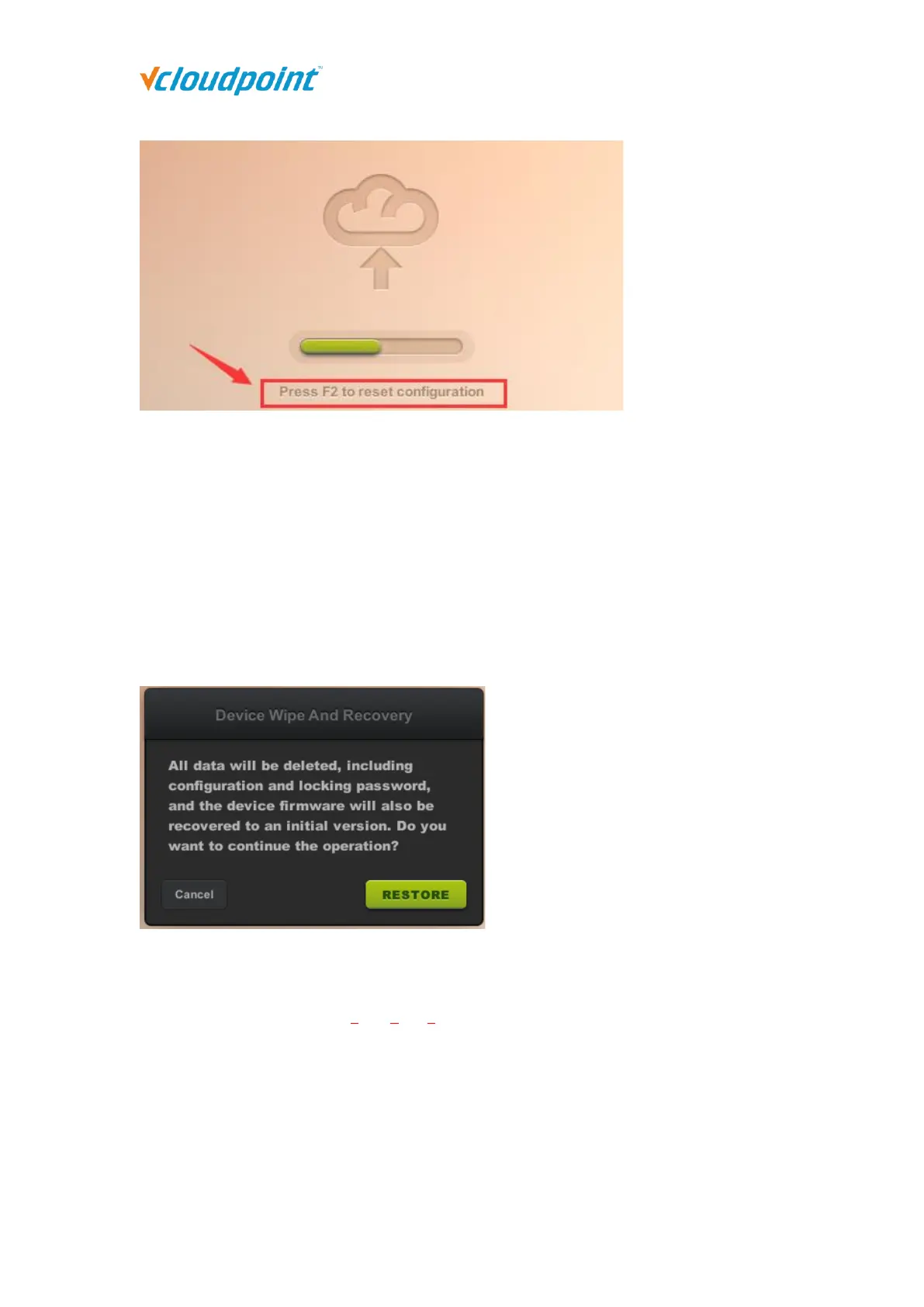
Reset Firmware
- long press the switch button until you see the resetting window.
This is to reset the device firmware to the factory installed one. All configurations will be
recovered to the factory defaults. This is often used when device system turns faulty or is
damaged by improper firmware upgrade.
Note: The new batch of cloud terminals adds password verification when restoring factory settings.
The password is the last character of each segment of the terminal serial number, and is case
sensitive. (eg: The password of A5-8QVC-2021 is 5C1.)
4.8 Disconnect & Logout
Disconnect: to disconnect the user session; user session is still running, files and
applications are still opened and in place when user connects again. There are two
methods for a user to disconnect his session on host:



 To Next Page