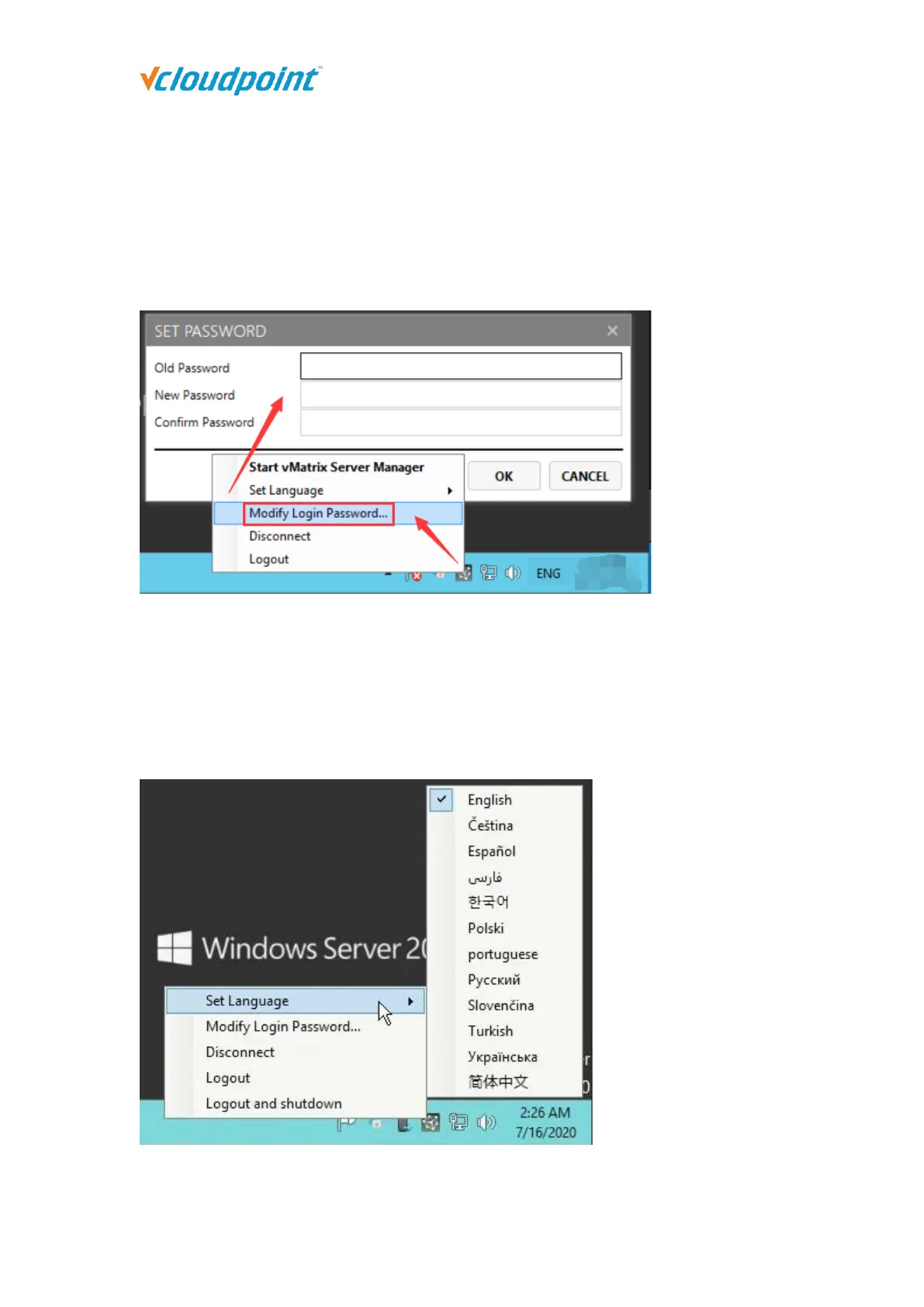
4.10.2 Set Password
This allows the current user to reset his login password without doing at the system control
panel. To reset password, right click on the vMatrx icon at the task bar, click on “Set
Password ...” and then enter passwords on the required fields.
4.10.3 Set Language
This is to set language for displaying messages of the vCloudPoint system. Right click on
the vMatrx icon at the task bar, click on “Set Language” and then available languages will
be shown on the right.



 To Next Page