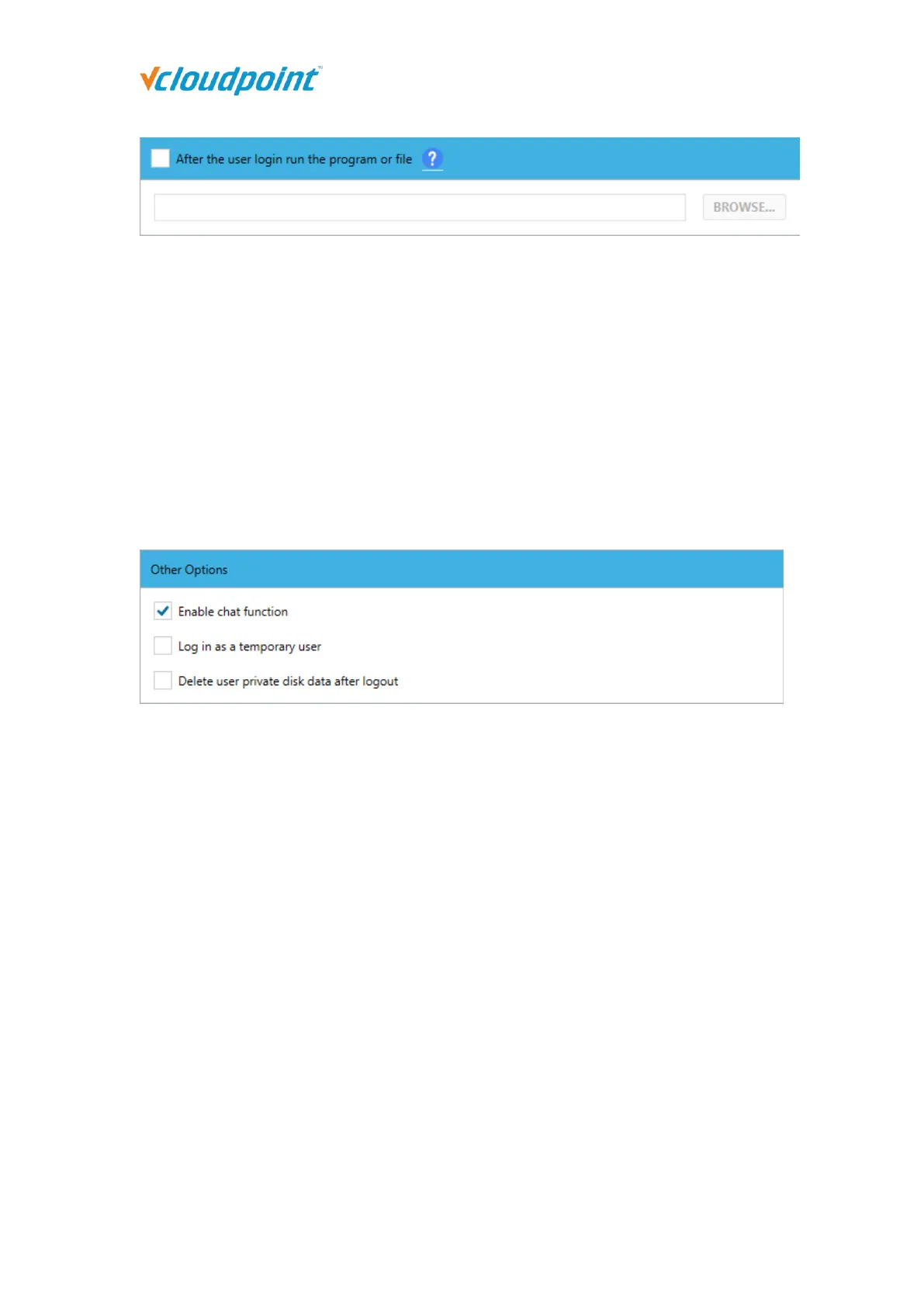
Checked this: After the users log in, the program or file under the path is automatically
opened. The users are only allowed to run the currently specified program. After the
program or file is closed, the user session is automatically logged out.
If you need to run a file automatically, please follow the format: program under a
certain path + space + file under a certain path
E.g., “C:\Program Files (x86)\Microsoft Office\root\Office16\WINWORD.exe”
“D:\123.doc”
Other Options:
Enable chat function: Check to allow users to use chat tools.
Log in as a temporary user: Checked this, the user will become a temporary user. When
a temporary user logs in, a temp folder will be generated to temporarily store the user
profile of the user. The temp folder will be automatically deleted after the user logs out. (If
you need to revert to a normal user, just uncheck this)
Delete user private disk data after logout: Checked this, the user's private disk data will
be cleared every time when the user log out.
5.3.2 Network Ports Configuration
Set the Windows Remote Desktop Services port number, the network communication
port number of the vMatrix Server Manager, and whether the host can be automatically
discovered by the client users. Using 3389/13389 as default port numbers if without
specific reasons.



 To Next Page