4.10 More Tools & Settings
4.10.1 vChat Internal Messenger
The vChat Internal Messenger allows users to talk with other users in the same host.
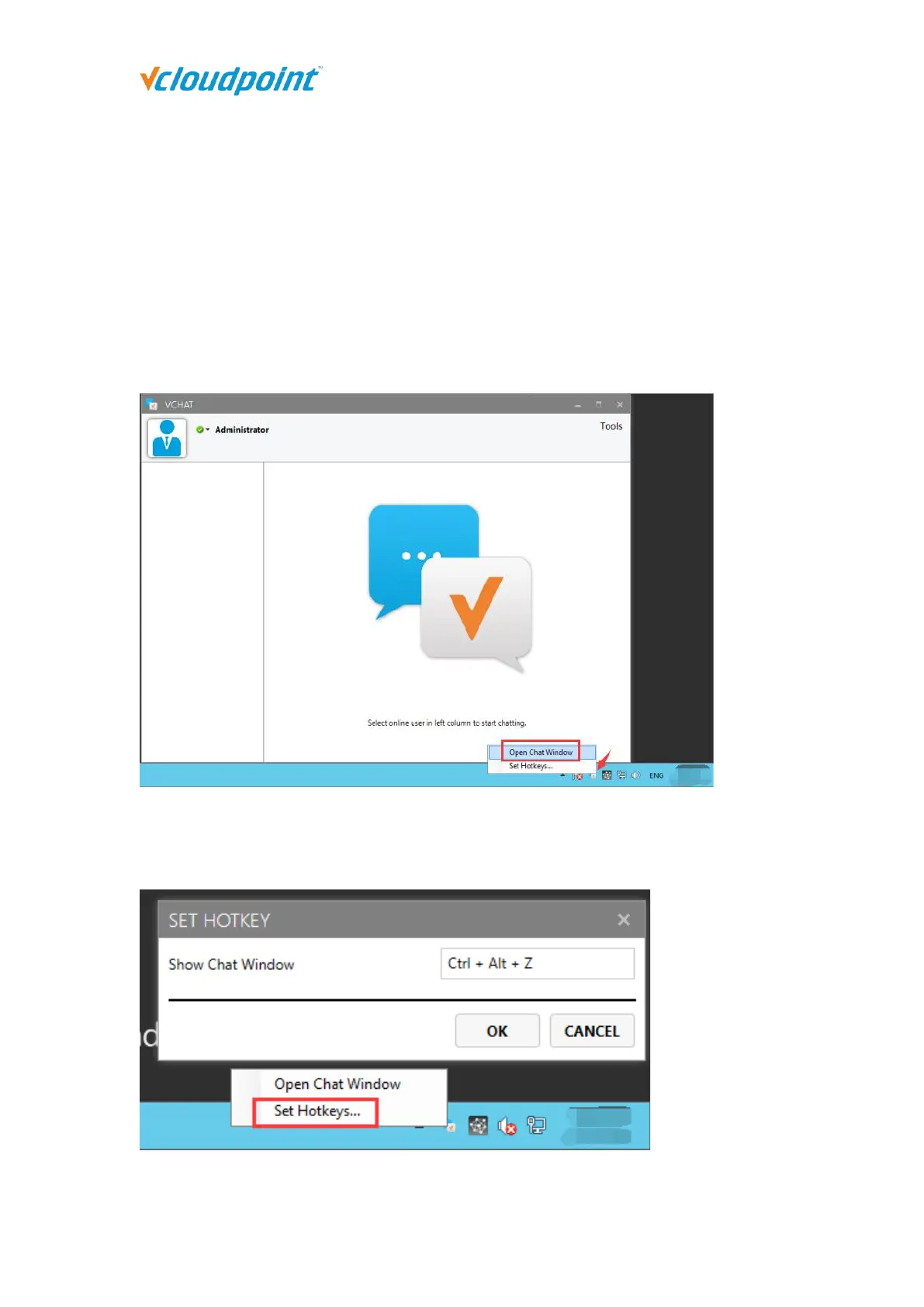
To run the vChat, right click on the vChat icon at the task bar and then click “Open Chat
Window” or press the hotkey “CTRL” + “ALT” + “Z”.
Set the hotkey to open the chat tool. Right-click the vChat icon at the task bar, and
click "Set Hotkeys" to set it.



 To Next Page