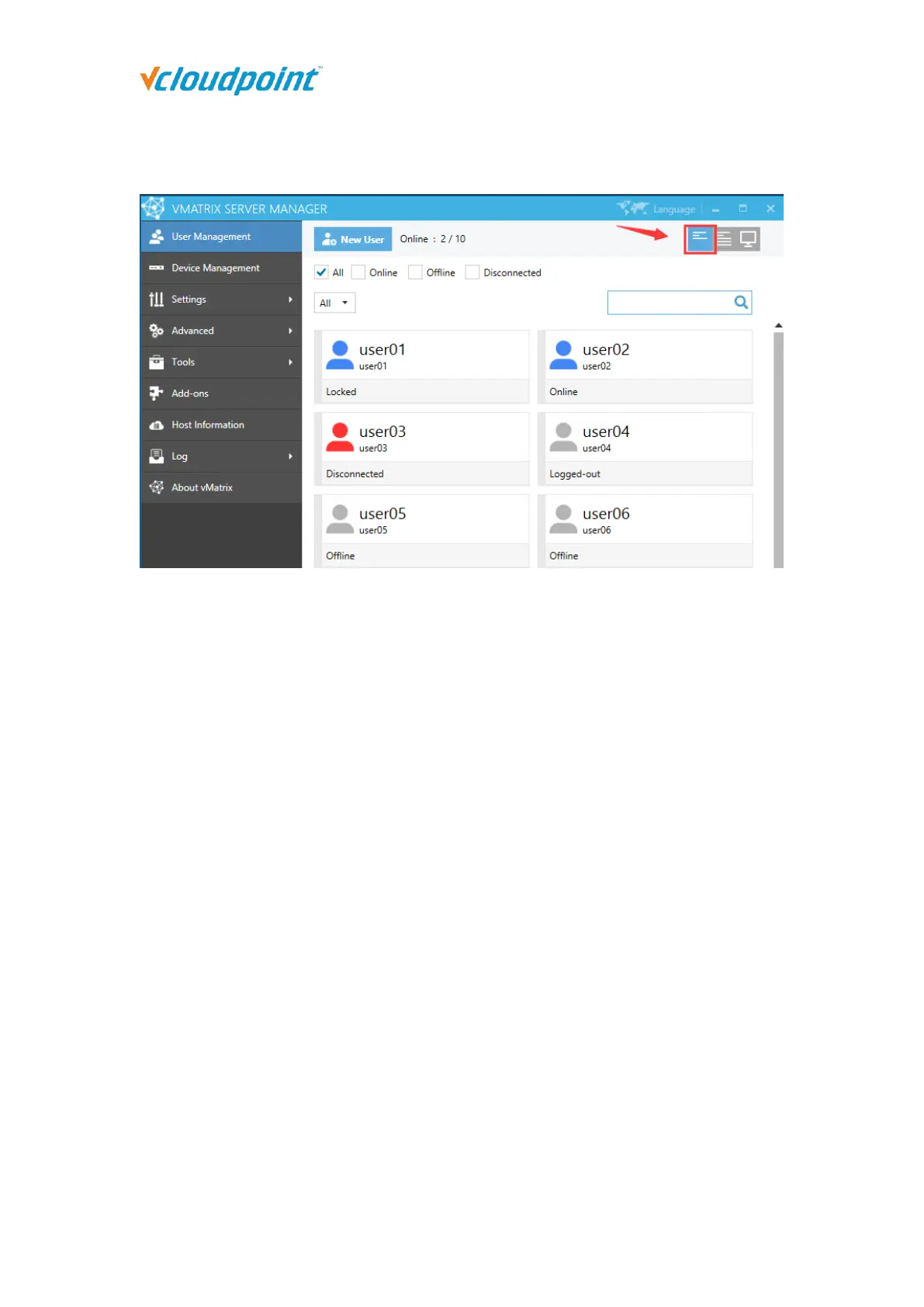
5.1.2 User Status View
On this selection, you can view CPU and Memory consumption for each user and their
status including:
Offline: the user has not logged into this host since host boot.
Online: the user has logged in and is connecting to this host.
Disconnected: the user has logged in but is not connecting to this host. User session
is till running but screen goes back to device login page.
Logged-out: the user logged into this host but has or has been logged out. User
session has been ended and screen goes back to device login page.
Locked: the user has logged into this host but user session has or has been locked.
Screen goes to system login page where password is required for re-login.



 To Next Page