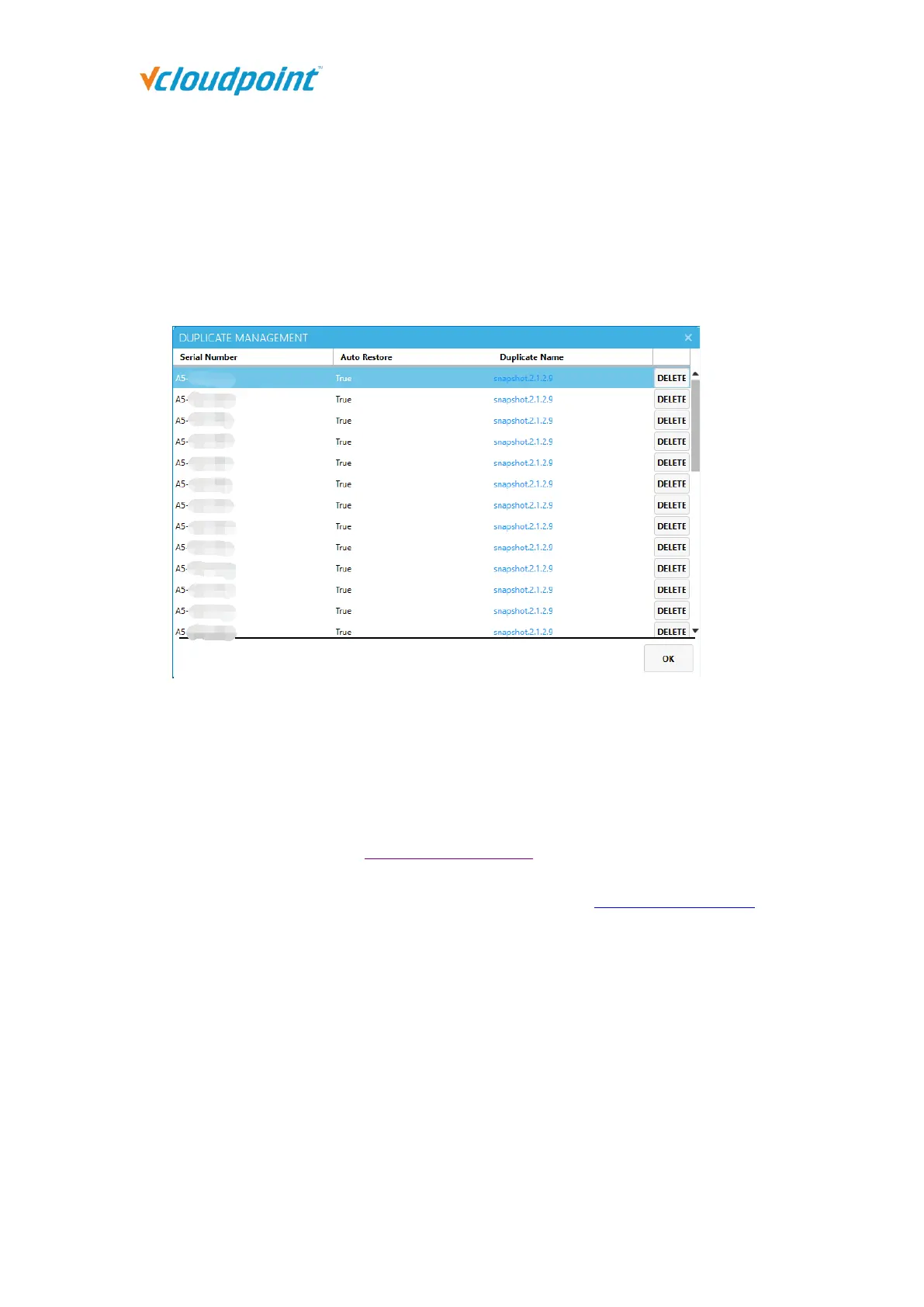
static IP for the terminal to generate duplicates and set Auto Restore, and the IP is
occupied, the terminal cannot connect to the host. Then even if you modify the IP to
connect to the network later, it will automatically restore to the previously generated
IP, causing the terminal to not work normally.
Find the corresponding duplicate in “Duplicate Management” according to the serial
number and click "Delete".
5.3 Setting
5.3.1 User Configuration
Users who select "Default" in "Configuration Settings" will apply the User Configuration
selected here, and the default is "Balance". You can create multiple configuration copies
by yourself, and the newly created copies will be displayed in "Configuration Settings", to
help you customize different department or job position. The preset "Optimum",
"Balanced", and "Economic" cannot be modified or deleted.



 To Next Page