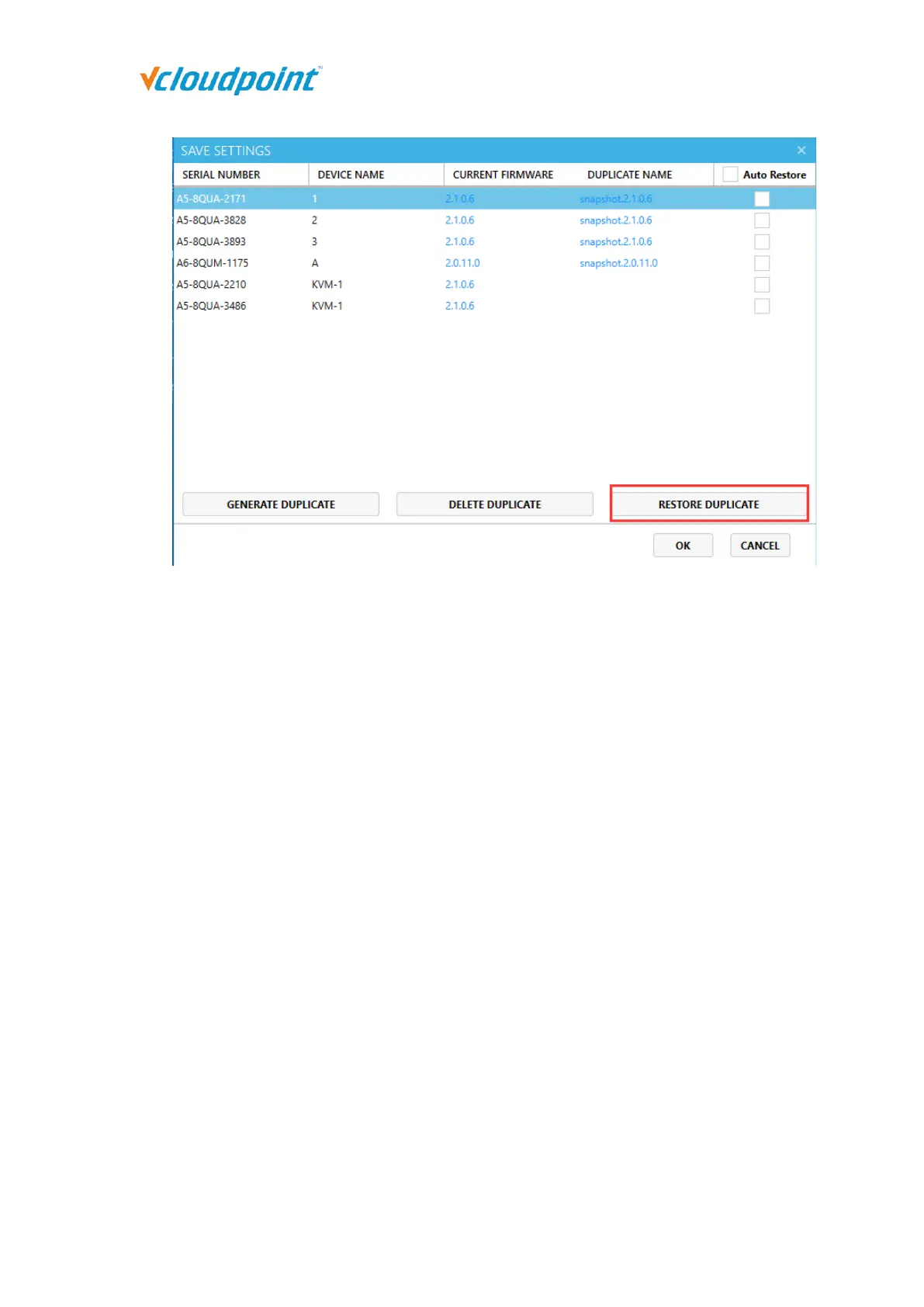
Notes:
The client devices shall be connected to the host when “GENERAL DUPLICATE” and
“RESTORE DUPLICATE”.
”AUTO RESTORE” and “RESTORE DUPLICATE” can only be used after “GENERAL
DUPLICATE”.
When a client device is configured with ”AUTO RESTORE” on settings, any changes to
its settings will be recovered when it is powered on, disconnected, or logged off.
If the device firmware has been reset to the factory default, when “RESTORE
DUPLICATE”, a firmware update will be executed first before recovering the settings.
5.2.3 Sorting
The sorting function allows administrators to locate and manage terminals more
conveniently and quickly.
Sort by Default: listed in ascending order of Device Name and Serial Number.



 To Next Page