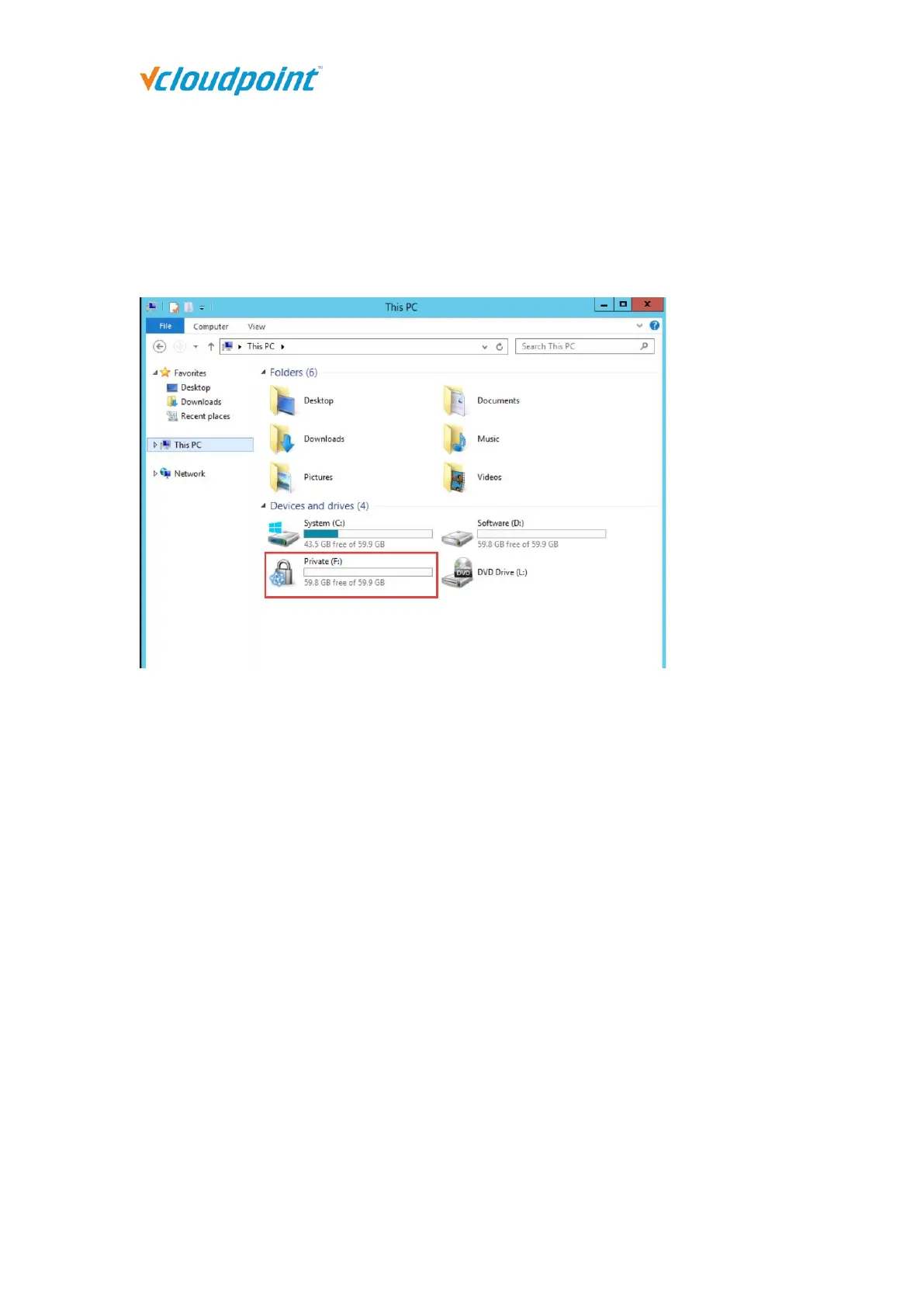
4.10.4 Private Drive
The Private Drives marked with a lock icon are drives created by vMatrix Server Manager
on an existing drive for storing terminal users’ personal files. Files inside the Private
Drives are visible to their owners and administrators. These files are inaccessible to other
terminal users.
Note:
1) By default, the files on the user's desktop are stored in the C drive. It is recommended that users
store personal files in Private Drive to prevent the issue of insufficient space of the C drive.
2) If a user deletes a file on the private disk, the file will be permanently deleted, and you cannot find
the deleted file in the recycle bin.



 To Next Page