8) After vMatrix Server Manager is running properly, install Microsoft RDS CALs or RDP wrapper
to support multi-user login.
3.2 User Creation
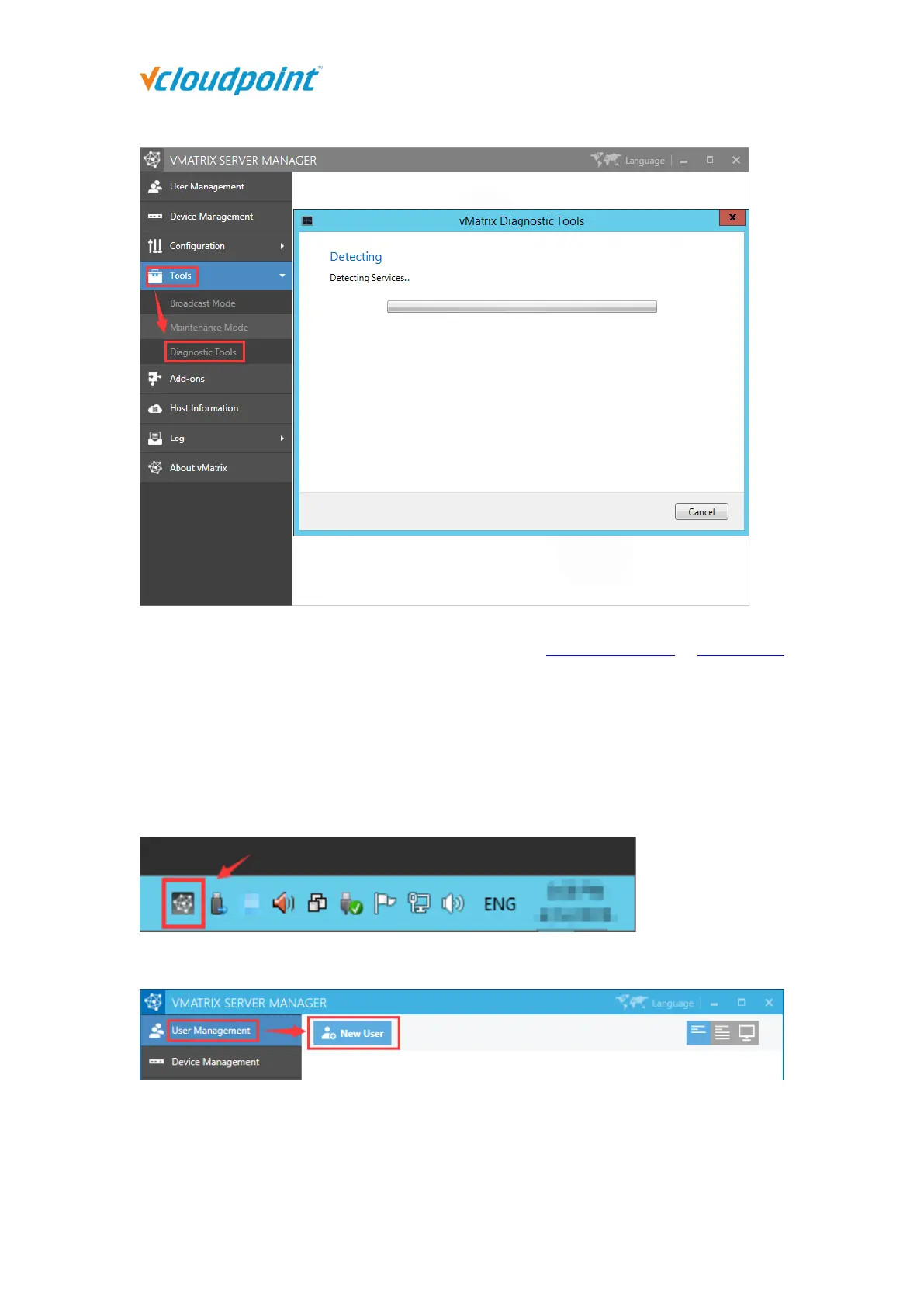
1) Open vMatrix Server Manager console.
2) Go to “User Management” page, click “New User” to create user accounts.
Enter “User Name” and “Password” and click “Create” at the bottom.



 To Next Page