Chapter 4. Using the Zero Client
4.1 Menu Settings
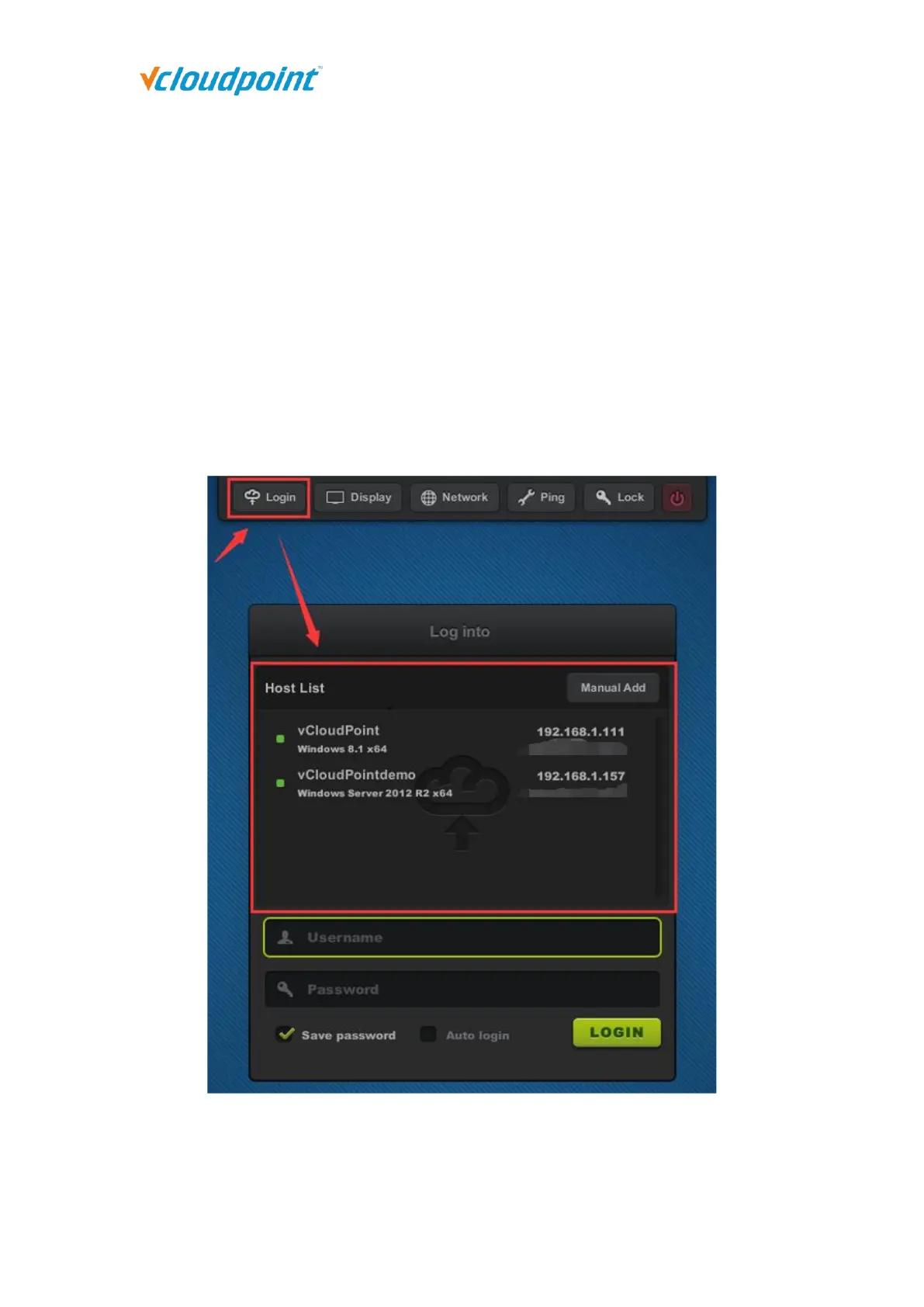
4.1.1 Login
Host List window shows all available hosts in the network. Host to be shown in the list
are:
1) hosts with vMatrix Server Manager properly installed and running.
2) hosts in the same network segment as the device.
To connect to an available host not shown in the list, you can manually add the host
IP through the “Manual Add” button ((vMatrix default network port is 13389, if you
have manually changed the port, add the port number when you manually add the



 To Next Page