5.10 Offline Usage
By factory default, vCloudPoint zero clients and vMatrix Server Manager Software are
configured to be used in an internet connected environment (WAN). If your host is
provided with internet, no additional configuration is required to be done.
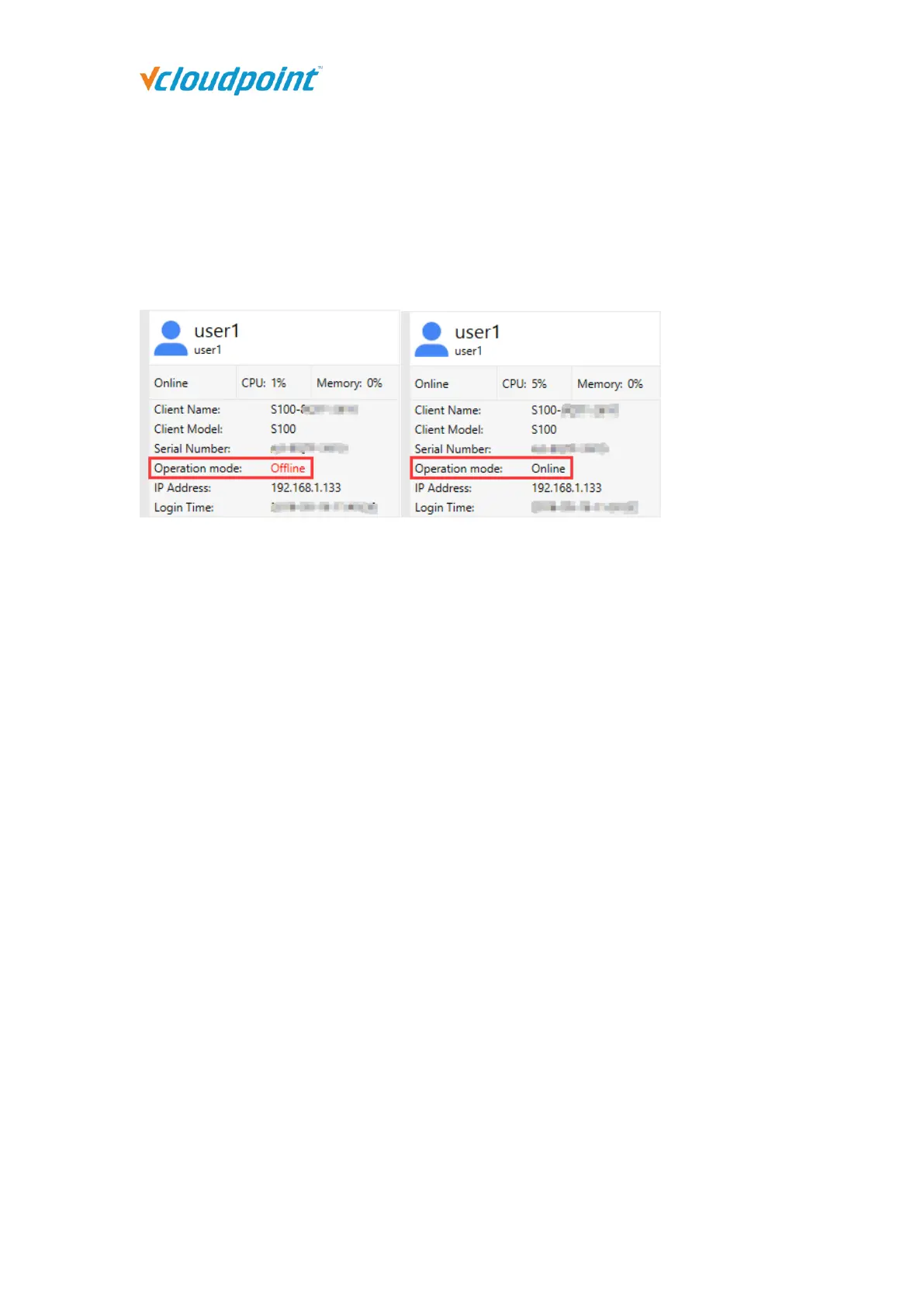
However, if the Operation Mode of the devices connecting to the host stays “Offline” in red
all the time, you have to re-configure the devices for offline usage, otherwise the devices
may be disconnected in every few minutes during operation.
Use cases where you may encounter this problem and need to apply for “Offline Usage”
normally includes the followings:
you do not provide internet connection (WAN) to the host or the internet connection
is extremely unreliable;
you use proxy or VPN or internet control software that the host cannot access our
configuration server: api.cpterm.com.
How to re-configure the devices for offline usage:
1) In a non-internet connection environment, vMatrix Server Manager will prompt a
message window for offline usage configuration within 5 minutes after host boot.



 To Next Page