The shorter the response time, the better the connection. If the response time is too high,
terminal operation will delay.
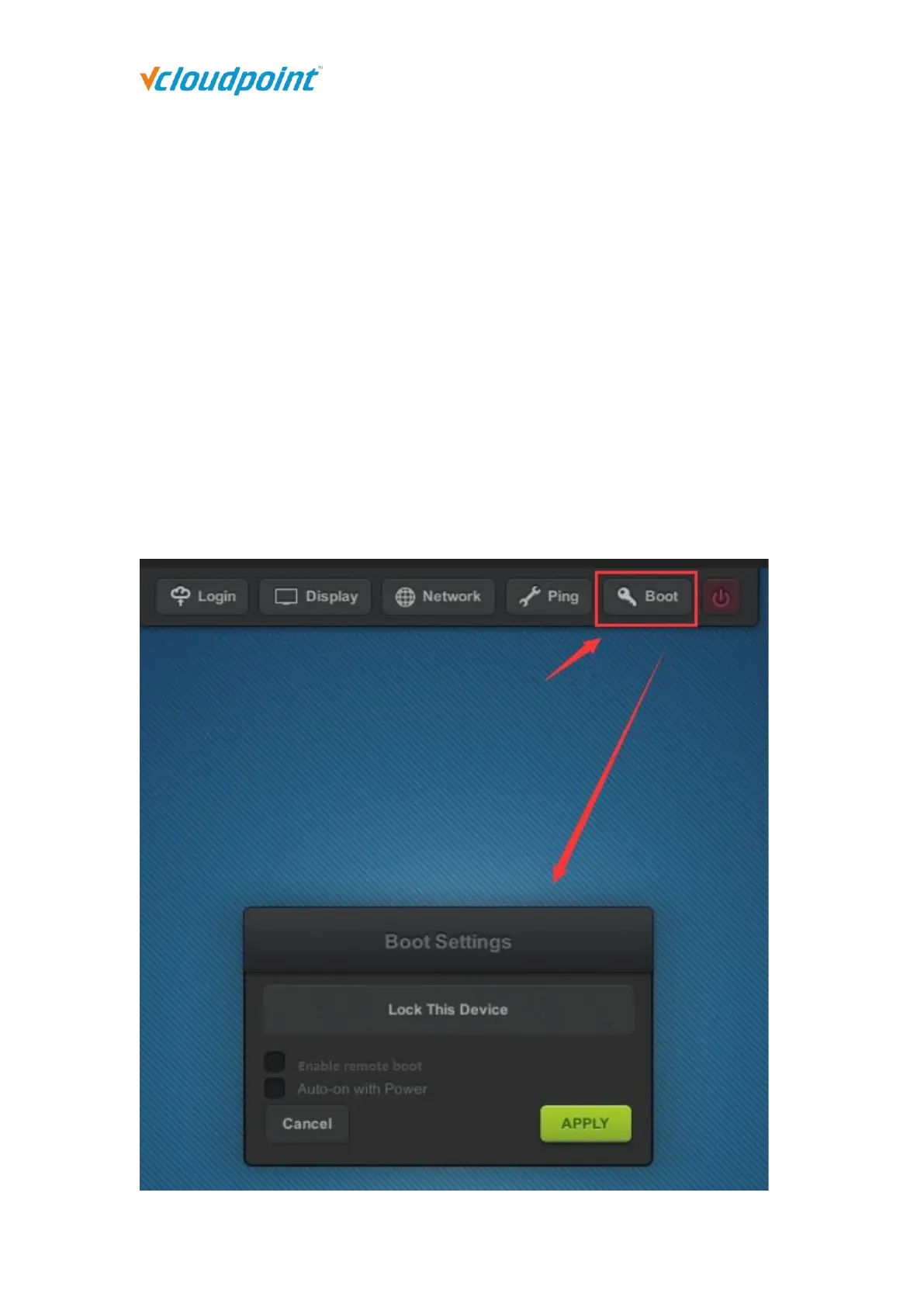
4.1.5 Boot
To lock the device is to set up a password on device boot so that the user is required
to enter password to use the device.
When the option of “Enable remote boot” is checked, the client device can be booted
from the server manager. (The client device can be powered on remotely only after it
is powered off remotely via the management software or via the shutdown button on
the client device UI. The client device that is powered off via the physical power button
cannot be powered on remotely.)
When the option of “Auto-on with Power” is checked, the client device will be
automatically powered on with power supply.



 To Next Page