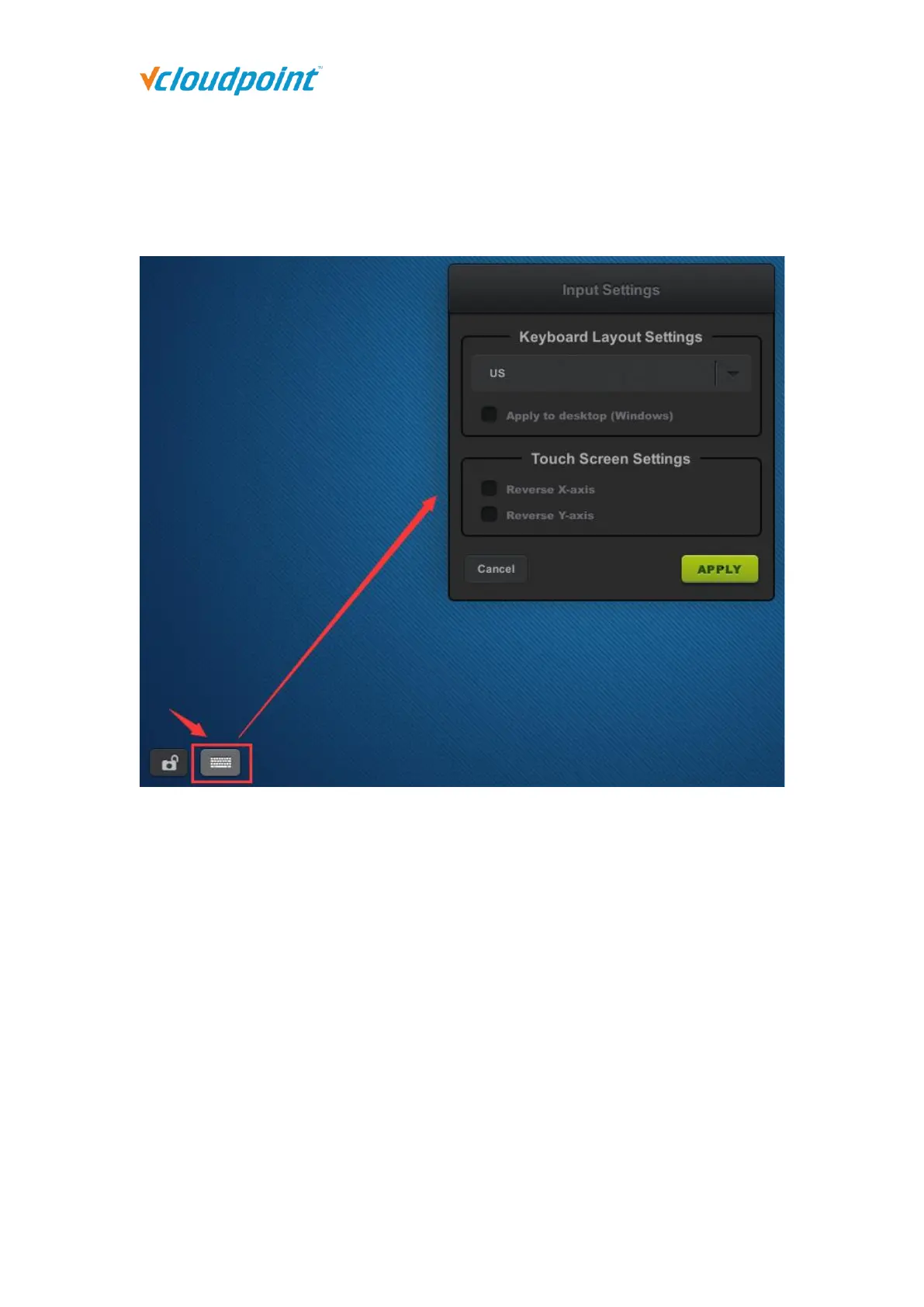
Touch Screen Settings: to set up the display direction when using touch screen for
the device display. “Reverse X-axis” is to change the display direction from left-to-right
to right-to-left. “Reverse Y-axis” is to change the display direction from up-to-down to
down-to-up. vCloudPoint zero client supports Multi Touch Screens.
4.4 Notification Log
To view notifications sent to this device from vMatrix Server Manager on the host side. The
notification icon displays only when there is notification sent to this device.



 To Next Page