4) The dealer will return you with a configuration file based on your last exported profile.
Import the returned file to complete.
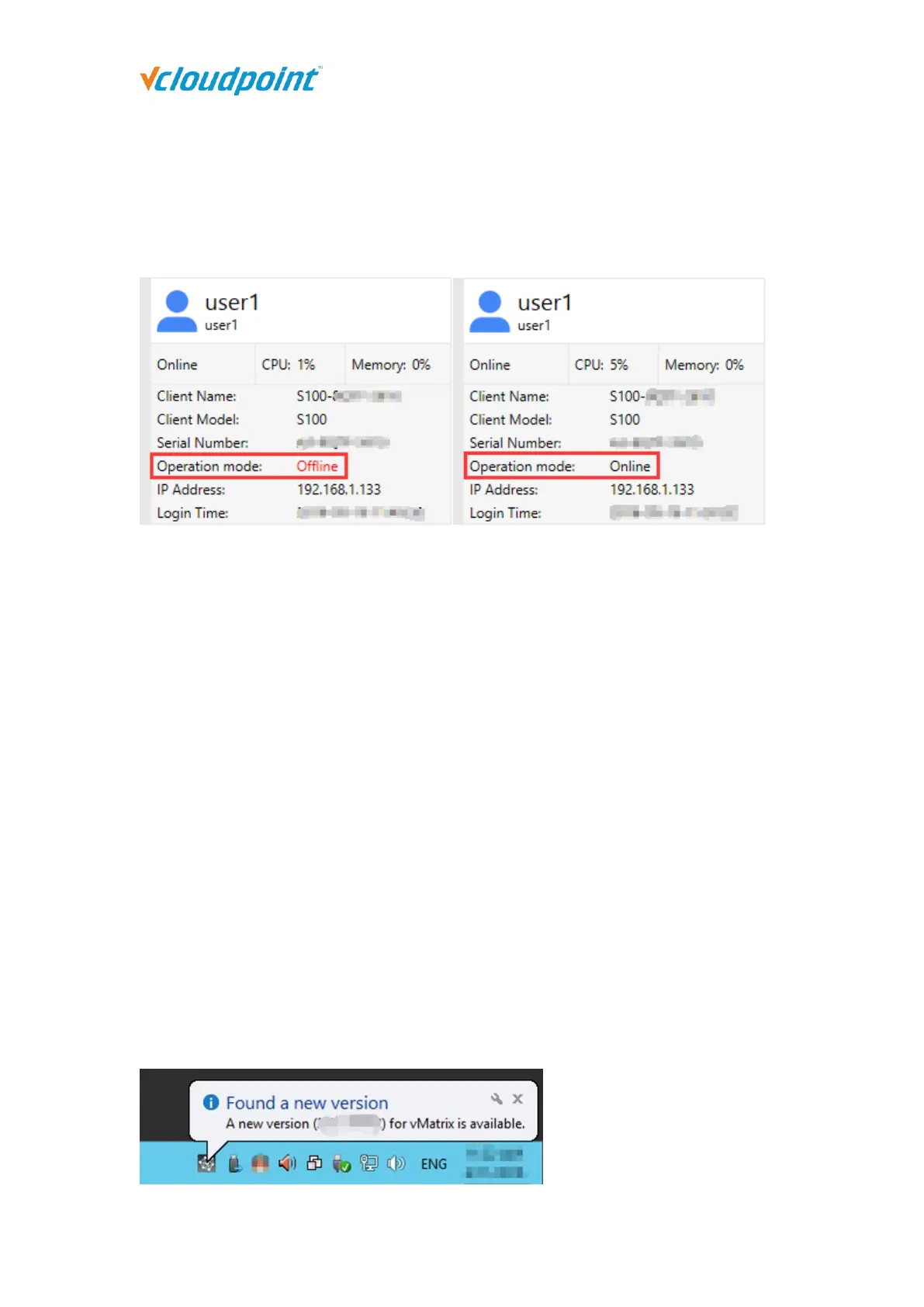
5) If your configuration for offline usage is successfully accomplished, the Operation Mode
changes from “Offline” in red to “Online” in black.
Note:
1) Offline usage configuration on vMatrix Server Manager was introduced in the release of vMatirx
Server Manager 2.0.2 version, if you are planning to use the vCloudPoint zero clients in a non-
internet or unstable internet environment, please use 2.0.2 or a later version of vMatrix Server
Manager, and follow the instructions on “Offline Usage” page to process.
2) Before exporting,
please connect all client devices for offline usage to the host, so that the serials numbers (SNs)
will be collected in the file. Alternatively, instead of connecting the client devices (especially in
large deployments), you can inform the SNs when sending the exported file.
3) The host hardware when exporting the file should be consistent with the host hardware when
it is used offline in the future.
5.11 vMatrix Update
When a new version of vMatrix Server Manager is available, an update message will pop
up from the vMatrix icon at the task bar. You will also see the same message with link to
download on the “About vMatrix” page on vMatrix Server Manager.



 To Next Page