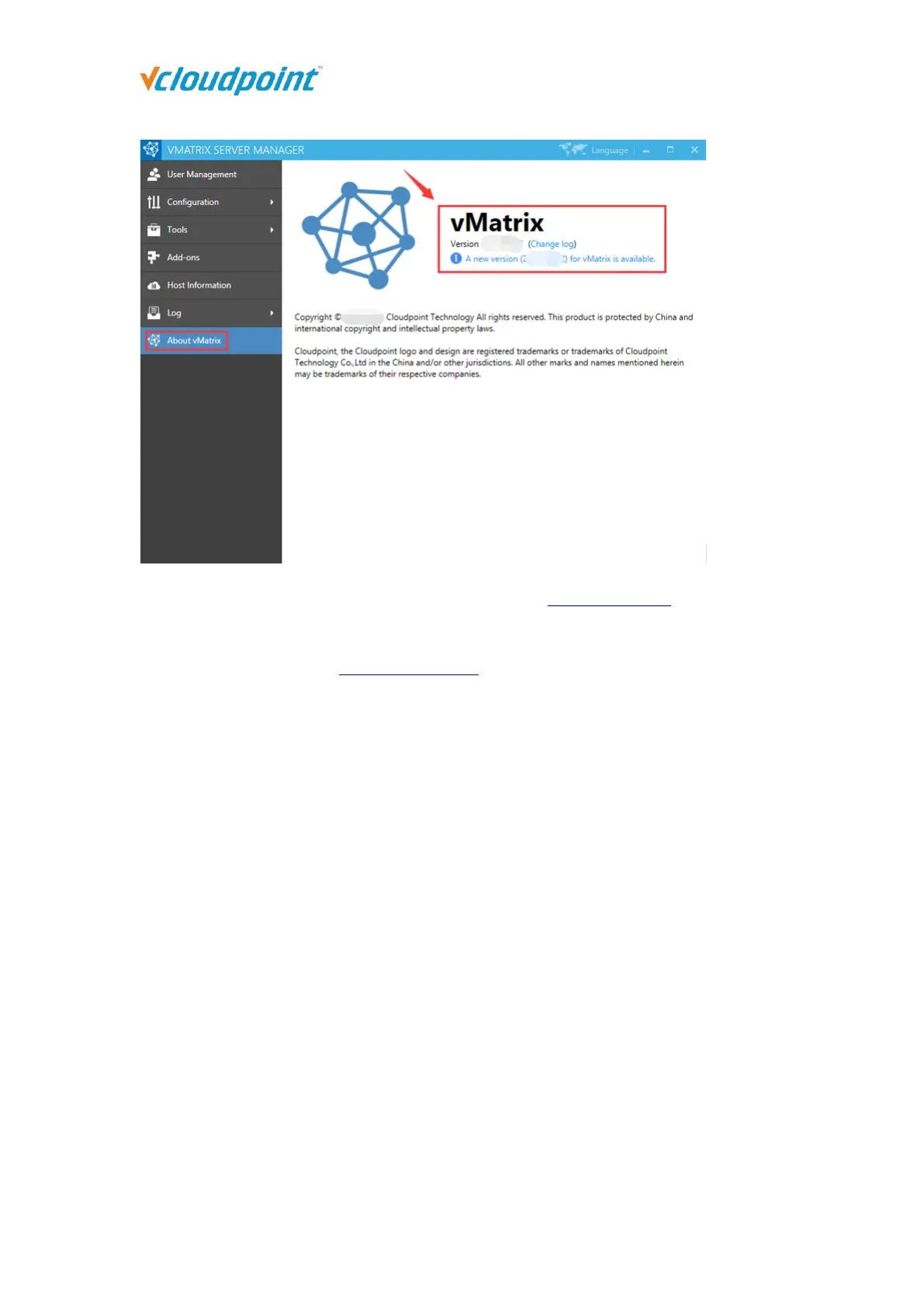
Download the new version by opening the link or visit download center at vCloudPoint
website.
After downloading, refer to the first installation steps to install :
1) Log out all users.
2) Disable security software to avoid mistaken report on vMatrix Installation files.
3) Run the installer and process as it is done on initial installation.
4) Reboot system after installation completes.
5) Check if there is any new device firmware at the device UI. If yes, then update.
6) The terminal can log in to the host normally.
5.12 vMatrix Uninstall
1) Open system control panel, click uninstall a program,



 To Next Page