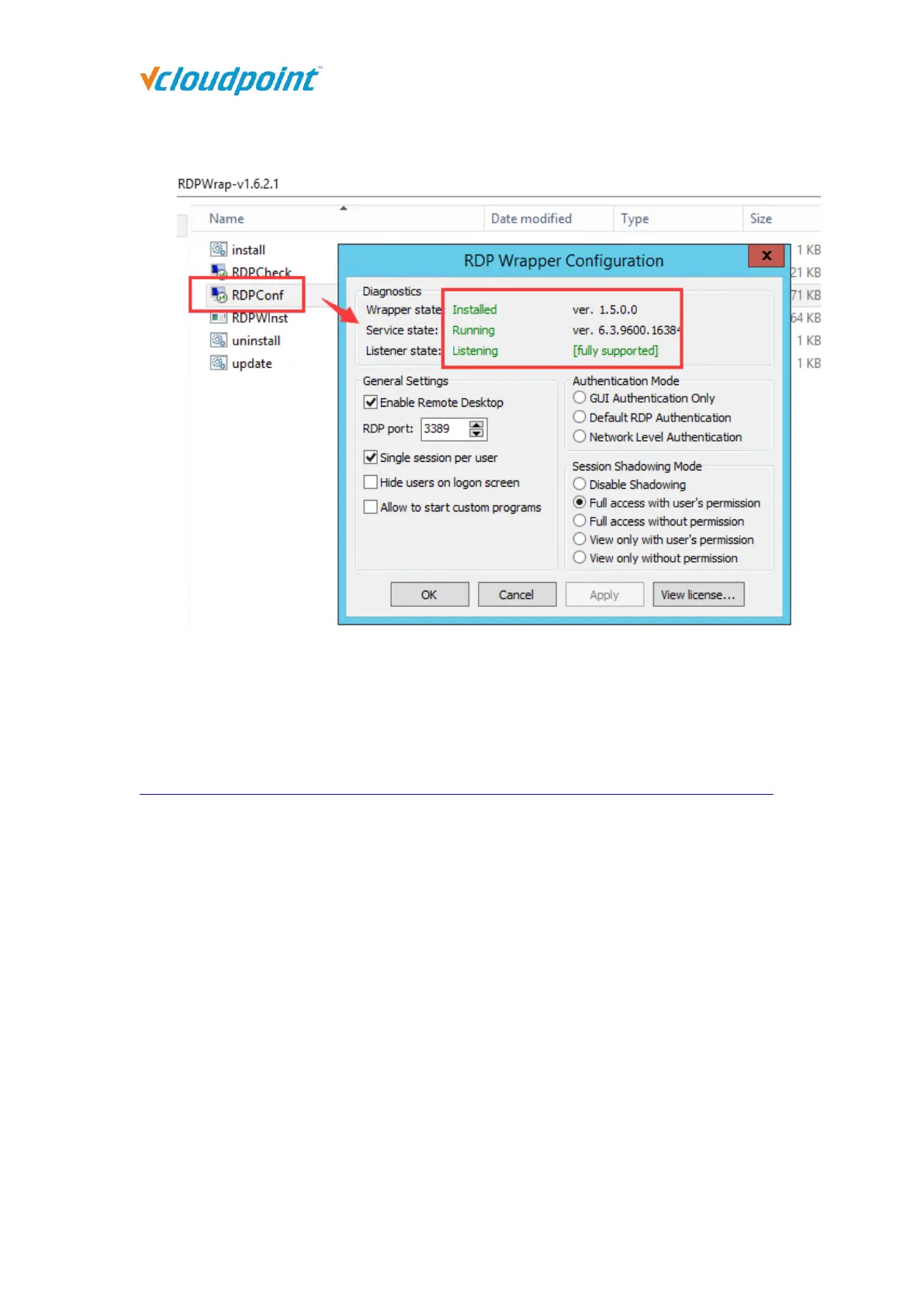
⑤ Run the “RDPconf.exe” file again to check if the multi-user patch is running
properly.
Microsoft RDS CALs
Refer to the following link to install the Microsoft RDS CALs
https://www.microsoft.com/en-us/Licensing/product-licensing/client-access-license.aspx
Note:
1) Microsoft RDS CALs are only available to Windows Server System installation. If you need to use
Microsoft RDS CALs, please install Windows Server System (Server OS) first.
2) Run the RDP Wrapper files after extracting them to your local disk. Do not run them in the
compress file.
3) Disable the security software and the Windows Defender before running install RDP Wrapper.



 To Next Page