password.
Account is Power User: Power User is given more rights to change system settings
than a common user, but less than an Administrator.
Account is disabled: selecting this option will disable the user account. This is often
used when you want to disable the user temporarily, saving you trouble to delete and
re-create.
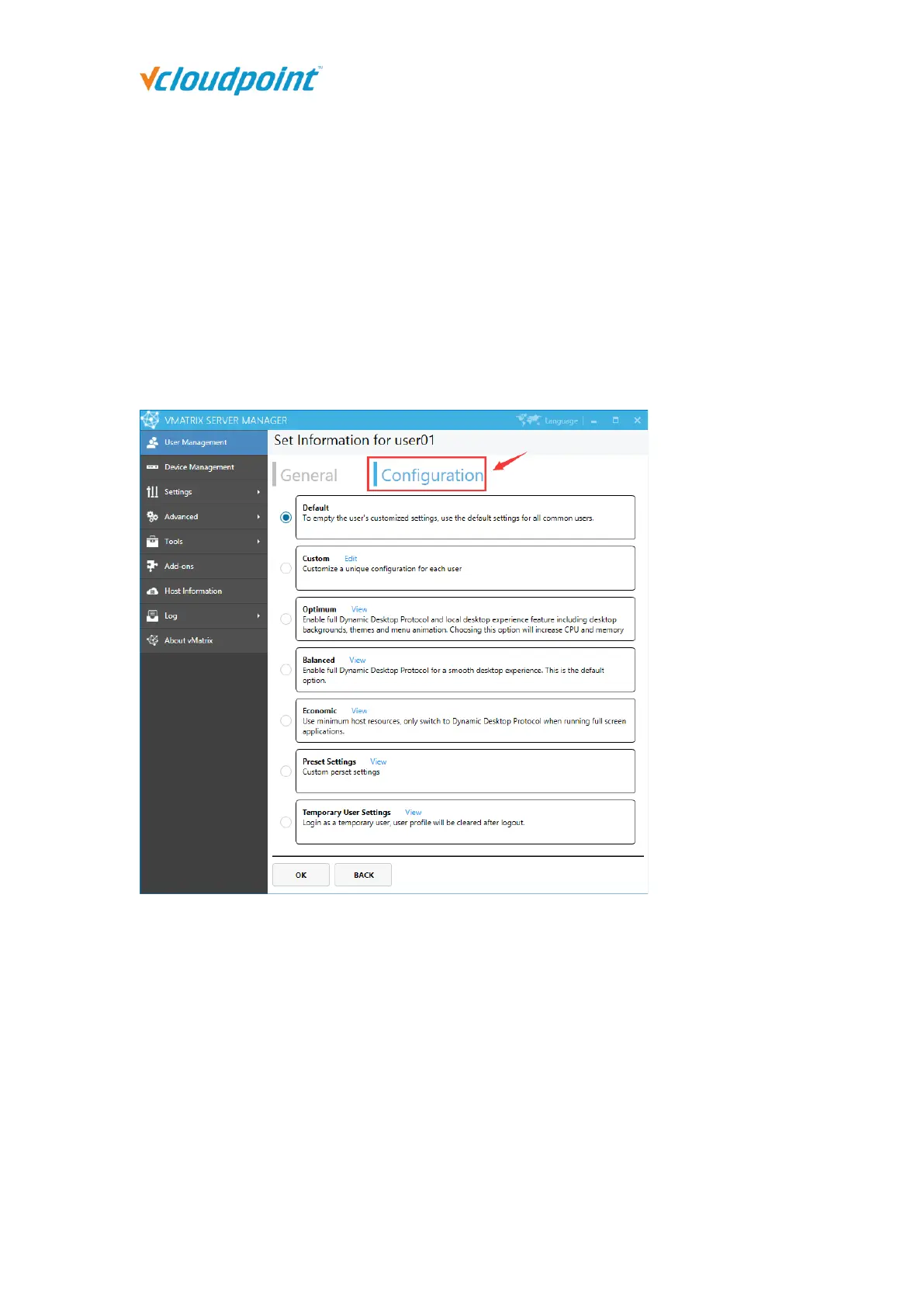
Configuration Settings
Configuration settings allows you assign various preset settings for one or multi user, to
help you customize different department or job position. Changes will take effect at user’s
next login. Configuration settings include:
Default: Apply the configuration as “Settings” - “Preset Settings”.
Custom: Customize a unique configuration for each user. (This option is not available
when multi users are selected)
Optimum: The preset settings of the program can only be viewed but cannot be
modified.



 To Next Page