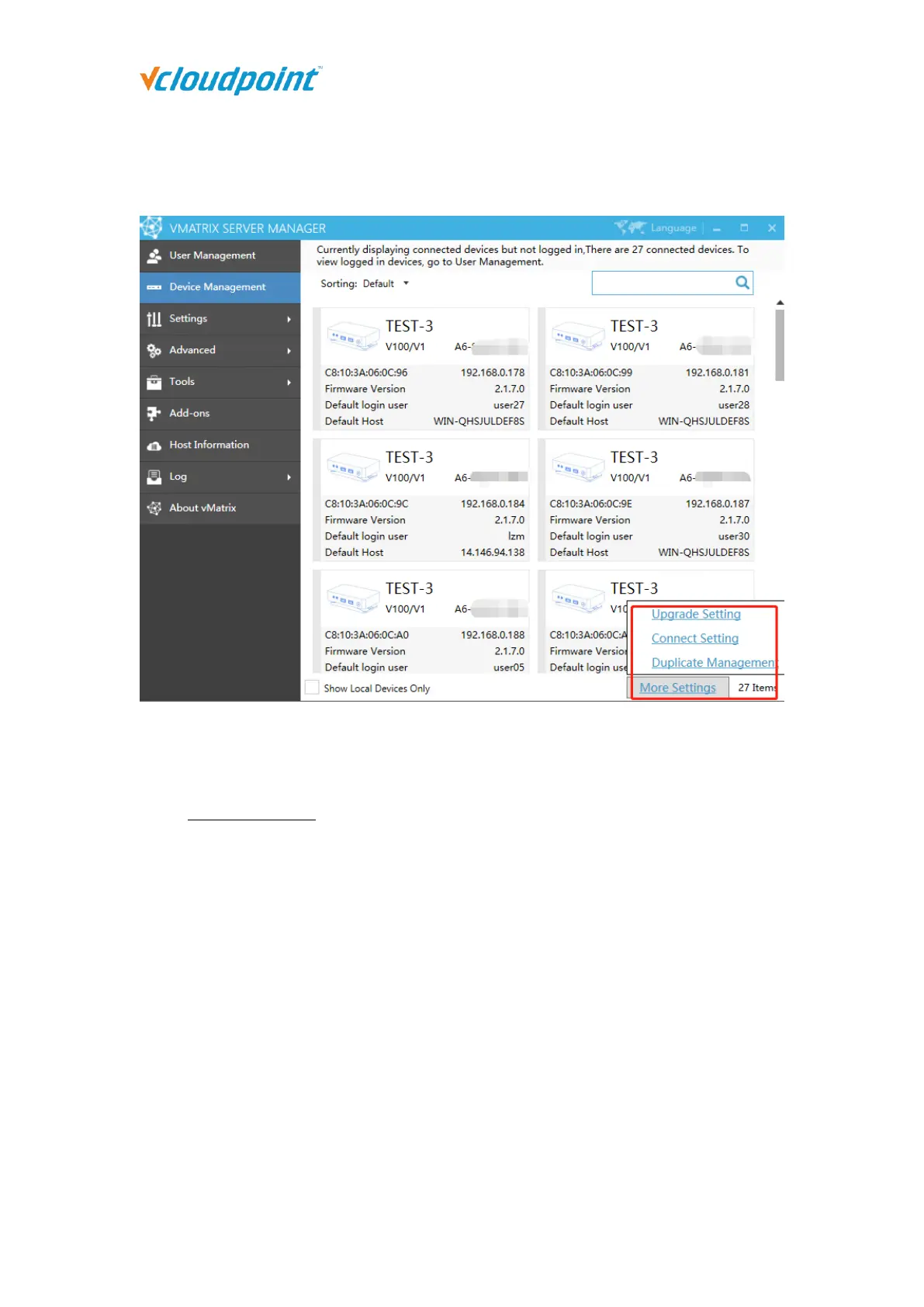
5.2.4 More Settings
Upgrade Settings
When automatic upgrade is enabled, if the terminal of an earlier version does not log in
within a specified period (Customized by administrator), the terminal will be automatically
upgraded to the latest firmware version.
Check “Auto Upgrade”, check “Control only terminals that log on the localhost” if you
need, enter a suitable waiting time and then click “OK”, the terminal will be
automatically upgraded to the latest firmware version after the specified time.



 To Next Page