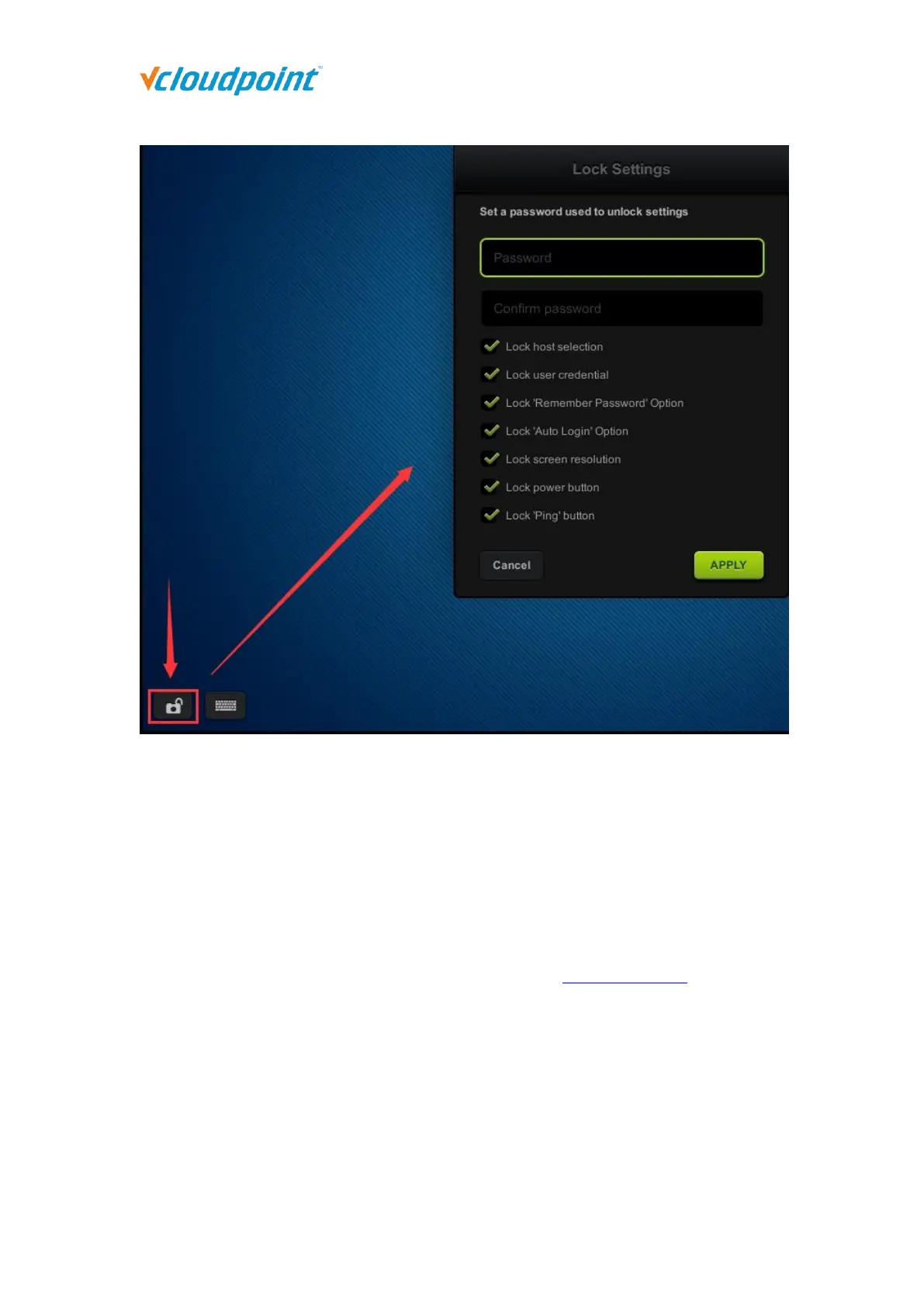
Note:
1) To unlock the device, click the icon in the lower left corner, enter the correct password and apply.
2) If you forget the password, you can:
Select and right click the terminal to unlock the device at Device Management of vMatrix Server
Manager.
Long press the power button when the terminal is off to reset the firmware to the factory
default one.
4.3 Keyboard Layout Settings
Keyboard Layout Settings: to set up the language of the keyboard input; 111
languages are available, defaulted US; if the option “Apply to desktop (Windows)” is
not selected, the setting applies to input on the device interface only.



 To Next Page