Note:
1) To unlock the device, just clear the password and apply.
2) If you forget the password, you have to reset the firmware to the factory default one.
3) Auto-Power function is not available with client devices with serial number starting with A1, A2
and A3.
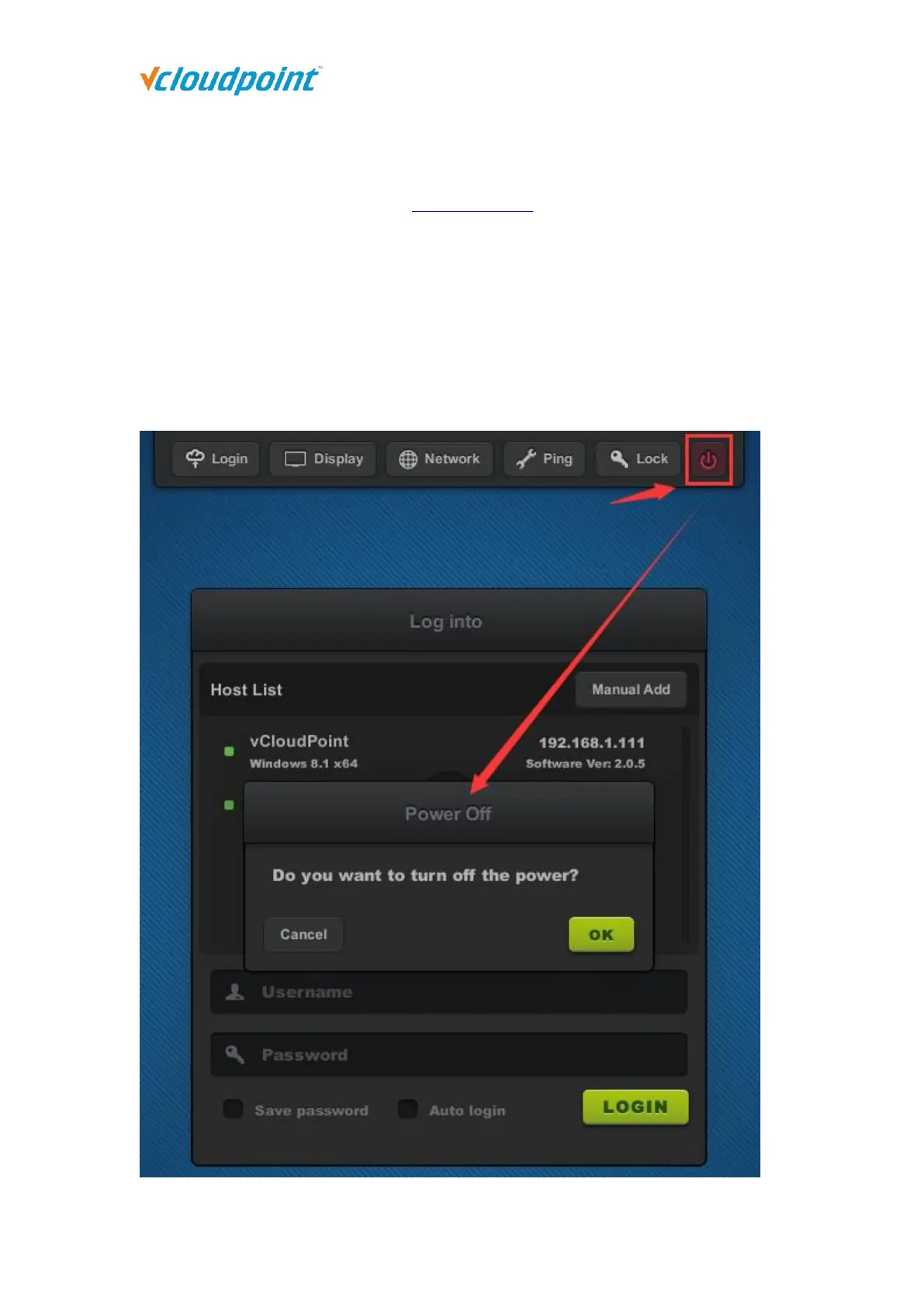
4.1.6 Shutdown Button
This button allows you to turn off the device without pressing the physical button on the
device. This is helpful when the device is mounted at the back of the monitor.



 To Next Page