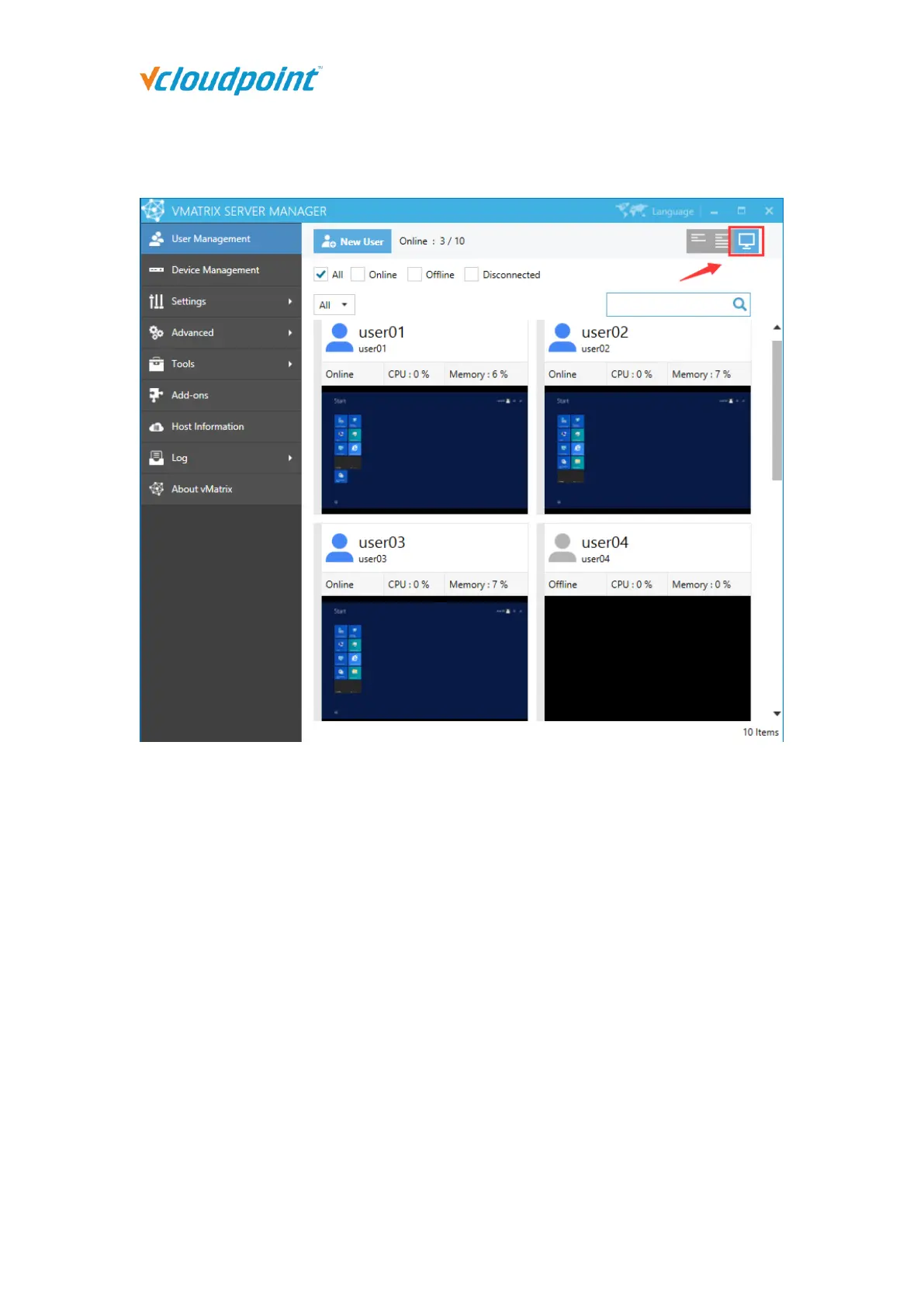
5.1.4 User Desktop View
On this selection, you can view user’s real time desktops in tiles.
5.1.5 Right Click Menu
Right click on a single/group of offline/online user/users modules to open the user
management menu. You can drag the mouse, or use shortcut keys like “shift” or “CTRL” +
“A” to select multiple modules at a time.
On a single offline user: View Desktop, Open the User Private Space, User Action Log,
Set Password…, Delete, Rename, Properties.



 To Next Page