Note:
1) Users who latter connect to the host after Broadcast Mode activation will also lose control of
their desktops and be given the host screen at the moment they enter their sessions.
2) Broadcast Mode is not effective on users who have logged in but are disconnected (back to the
device Login page).
3) When Broadcast Mode is on, desktop resolution of the effected users will be changed to that of
the host. Therefore, make sure the host desktop resolution is supported by the effected users’
monitor, otherwise, the user monitor will go blank due to desktop resolution out of range.
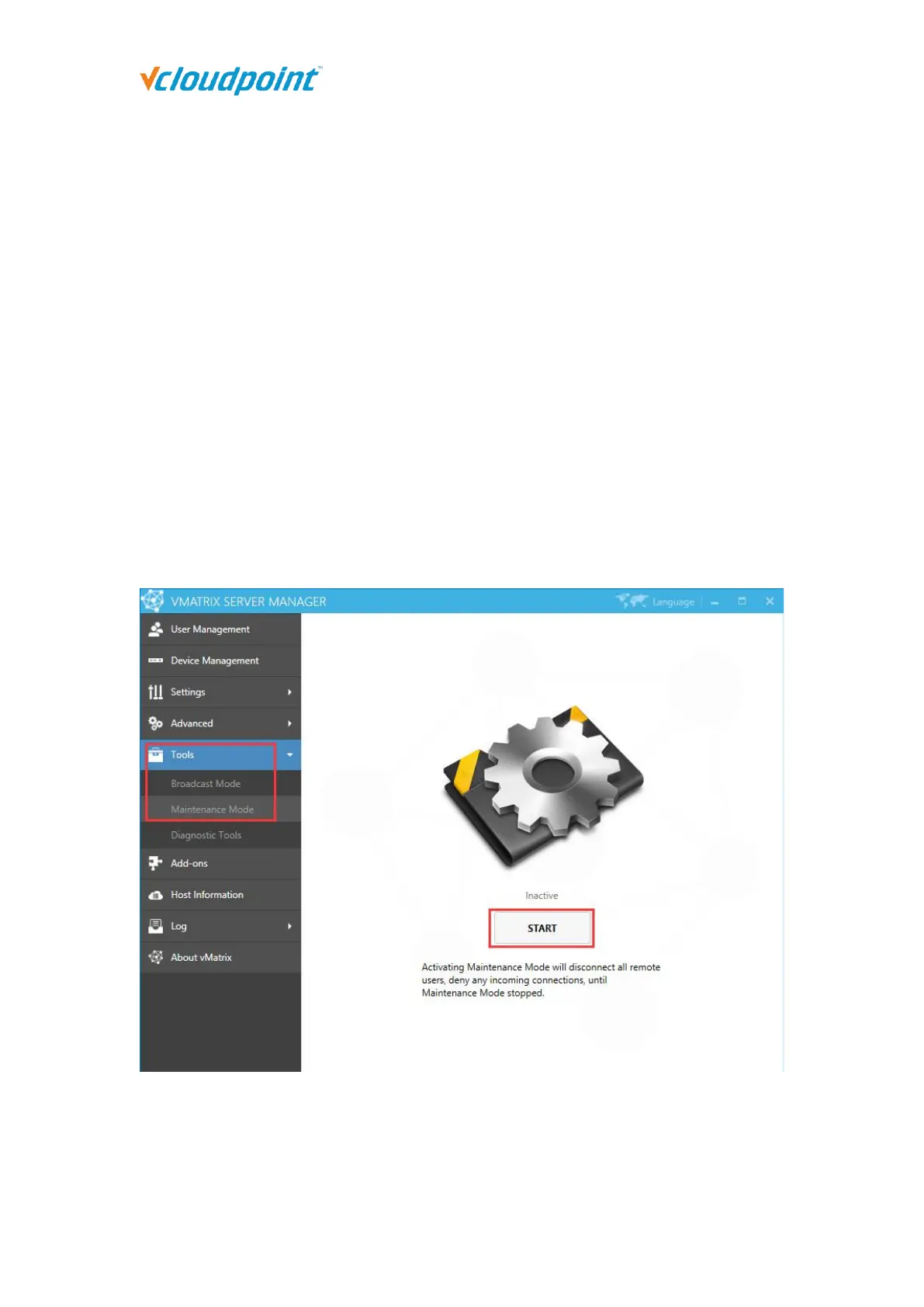
5.5.2 Maintenance Mode
Activating Maintenance Mode will disconnect all connecting users and also deny any
incoming connection request from users. This is often used when the host is under
maintenance.
Note: Activating Maintenance Mode just disconnects user sessions, but not logged them out. Users
will find their files & applications still in place when Maintenance Mode is off.



 To Next Page