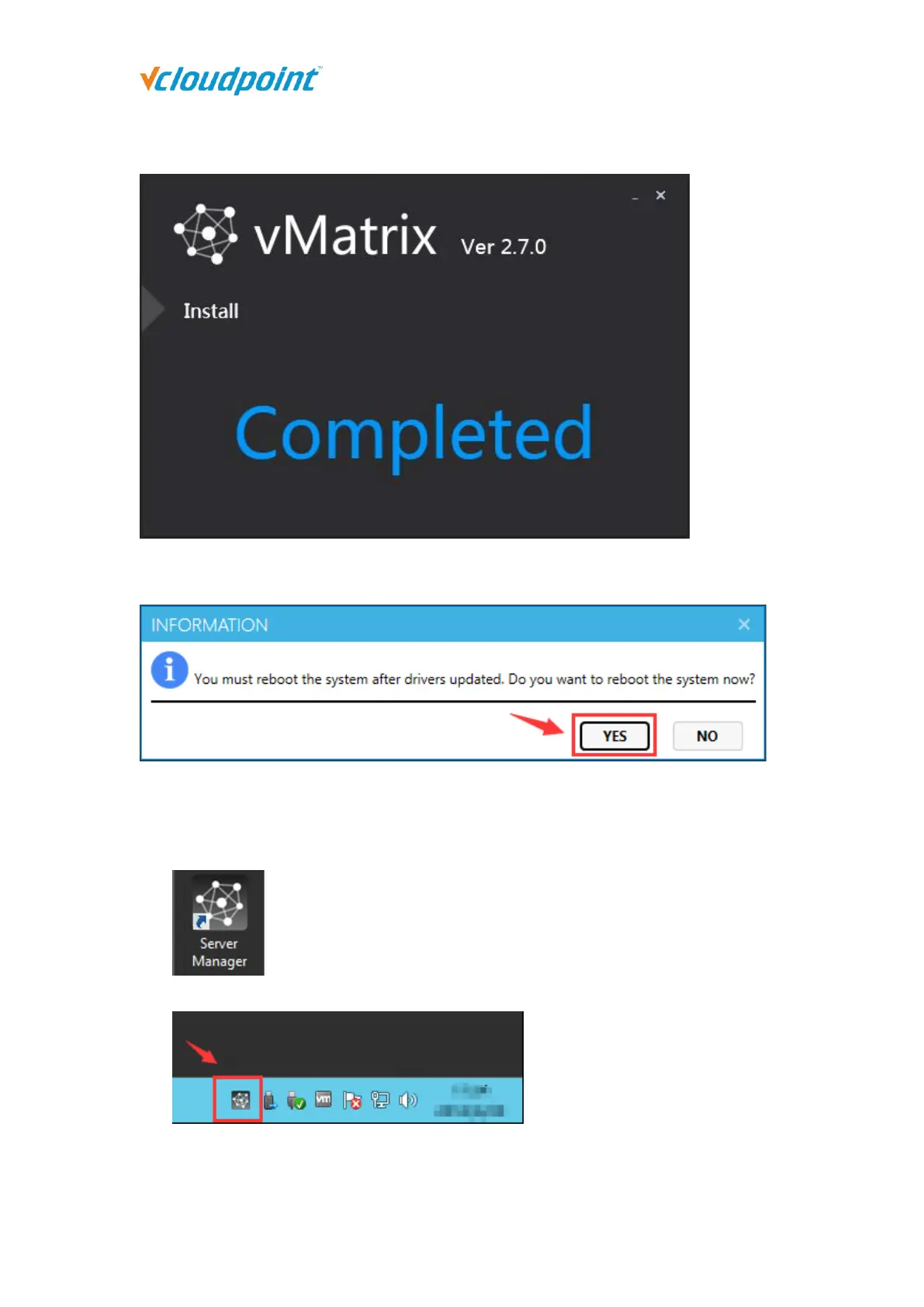
4) Click “Completed” and finish installation.
5) You will be asked to reboot the system. Click “yes”.
6) After reboot, double click the vMatrix icon at the desktop or click the vMatrix icon at
the task tray to open vMatrix Server Management console.
7) Run the “Diagnostic Tool” under the “Tools” menu to check if the vMatrx Server Manager is
running properly. Follow the prompts to fix if there is any issue.



 To Next Page