Enable desktop wallpapers: The user can customize the desktop wallpaper. If it is not
enabled, it will be a black wallpaper (the server system needs to install the desktop
experience component first).
Enable user interface themes: The user can customize the interface theme.
Show window contents while dragging: The contents of the window move along with
the drag of the window. When it disables, only the frame of the window moves when the
window is dragged.
Enable menu animations: The animations will be displayed when you click start or others
menu.
Note:
1) All of the desktop options are not checked by default. Enabling the options will consume
more system CPU and network resources.
2) After Enable desktop wallpapers is checked, a screen flash will appear when the terminal
logs in. This is a normal phenomenon, and it will return to normal after a few seconds.
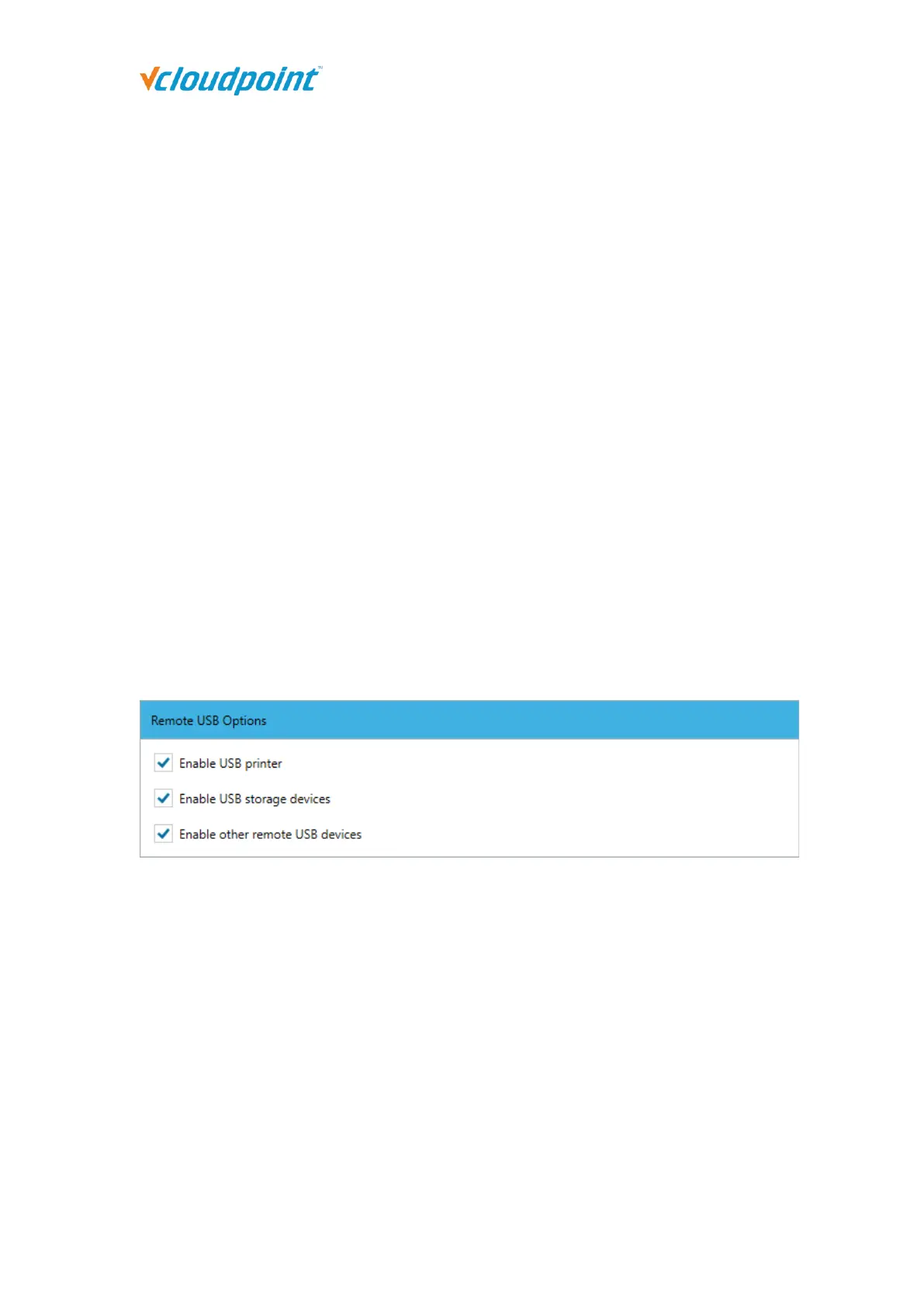
Remote USB Options: If the option is not checked, only input devices such as mouse
and keyboard can be used.
Enable USB printer: Check it to allow the use of USB printer devices on the terminal.
Enable USB storage devices: Check it to allow the use of U disk and mobile hard disk
devices on the terminal.
Enable other remote USB devices: Check it to allow the use of other USB devices except
U disks, mobile hard disks and USB printer devices on the terminal.
After the user login run the program:



 To Next Page