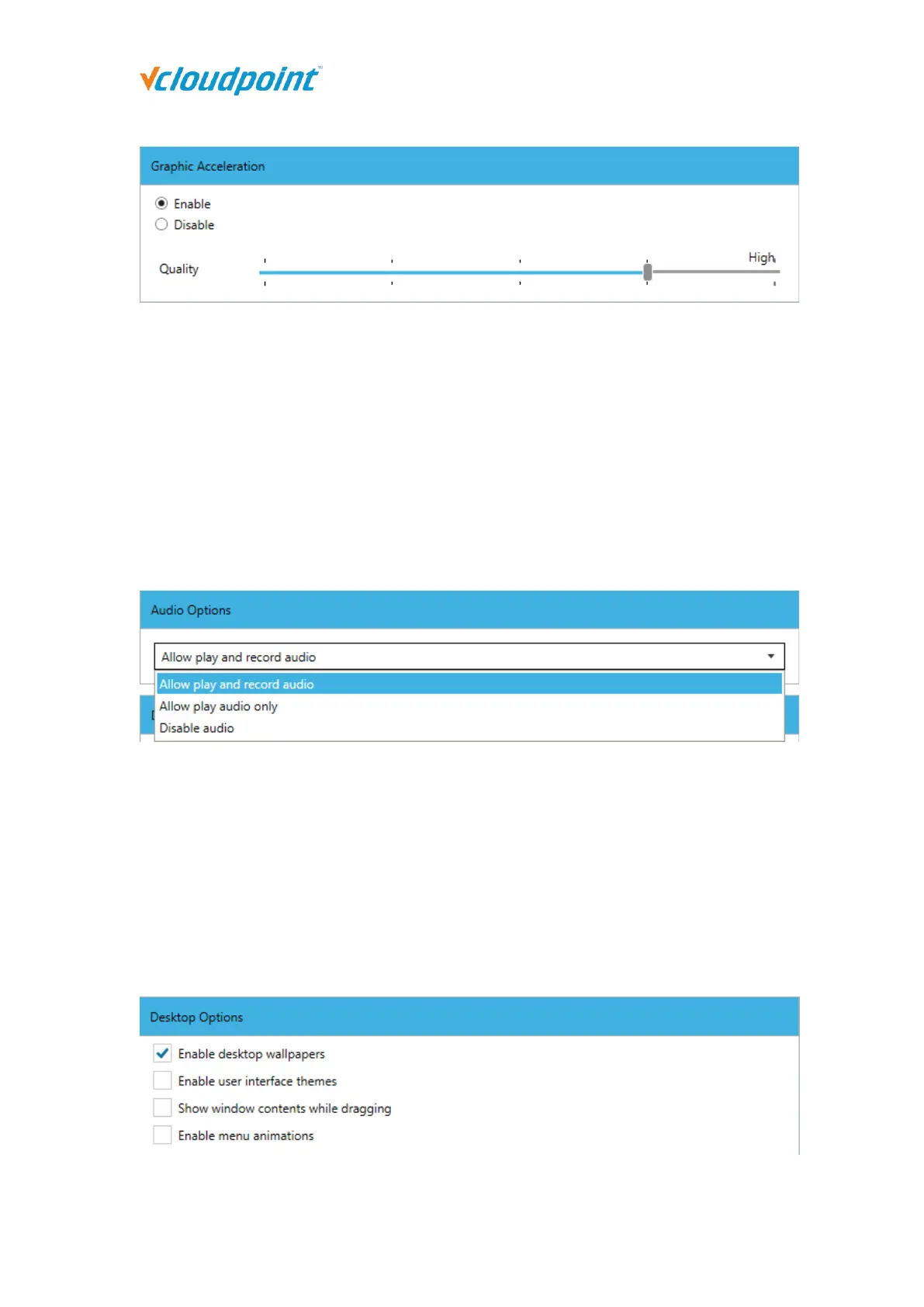
Enable (Recommended): Enable the self-developed Dynamic Desktop Protocol (DDP) to
reduce the consumption of terminal screen resources and provide a smoother experience.
Different image quality has different requirements for the host's CPU and network, and
the default is high.
Disable: Turn off the Dynamic Desktop Protocol and use the RDP Protocol that comes with
Windows, and some screen flash will appear. It is not recommended to disable Graphic
Acceleration.
Audio Options:
Allow play and record audio: Terminal users can listen to the sound and use the
microphone. This option is selected by default.
Allow play audio only: Terminal users can only listen to the sound; the microphone is
disabled.
Disable audio: Both the sound and the microphone are disabled.
Desktop Options:



 To Next Page