Power off:to shut down the selected devices.
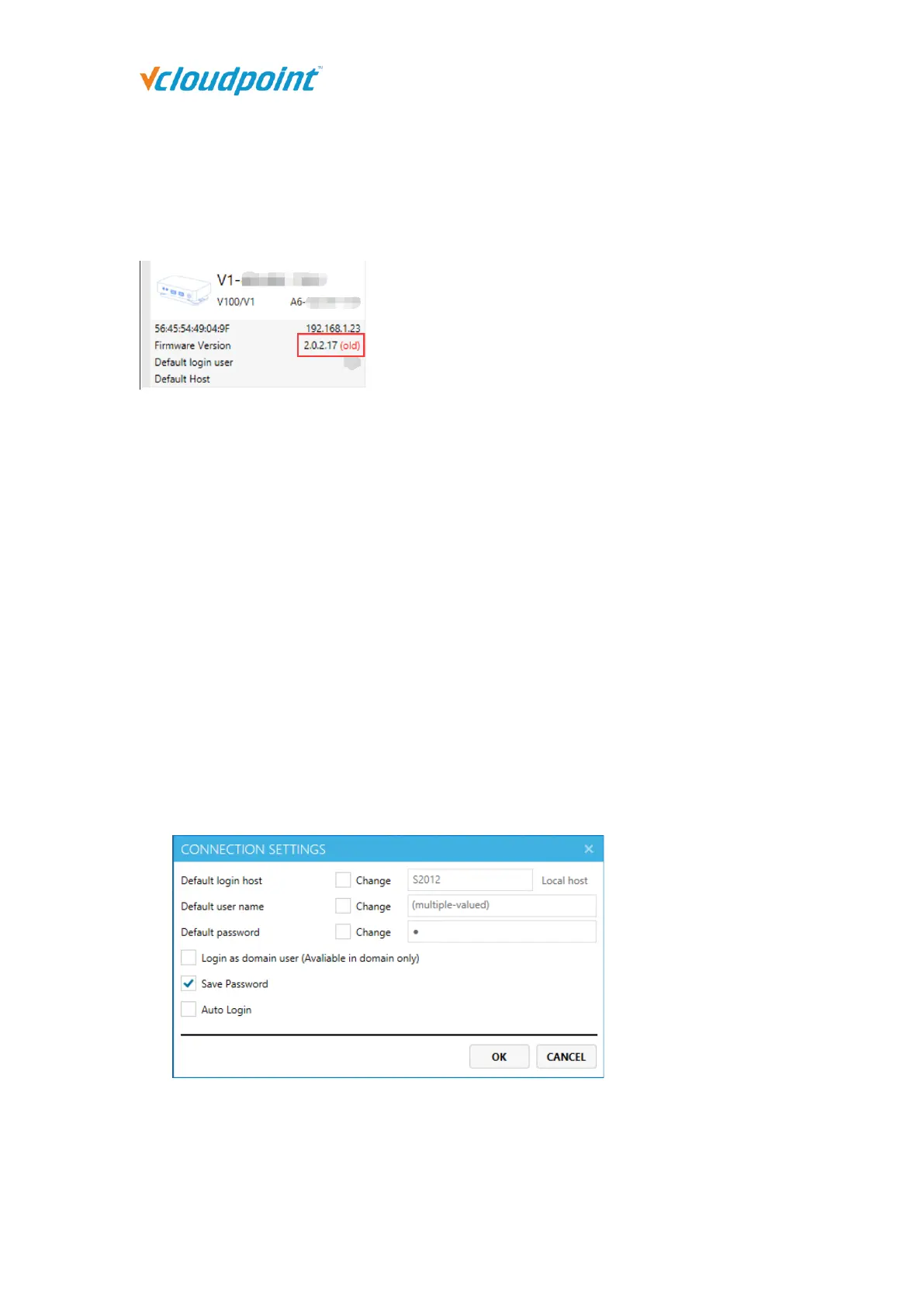
Update Firmware: to update the firmware of the selected devices; only works on
devices marked “(old)” in red.
Notes: When any host in the same network segment has installed a new version of vMatrix
Server software with a new firmware, vMatrix will prompt a new firmware for update. The
new firmware may be incompatible with an old version of vMatrix Server Manager, so
before updating the firmware, keep the vMatrix Server Manager of all hosts to the same
version.
Connect to Host: to log the selected devices into the designated host; only works on
devices with default login settings.
Connection Settings: to change the selected devices login settings including default
login host, default user name, default password, domain selection, password saving
selection and auto login selection which will be used for the devices next login. When
multiple devices are selected, check “Change” to apply, if unchecked, it will leave the
original value. The Default login host can be specified by host name or IP. If the host
is in the domain while users are logging into the host as local users (rather than
domain), cancel the selection of Login as domain users (Available in domain only).
Display Setting: to change the display settings of the selected devices including
device name, screen resolution and language; Check "Change" to apply the setting,
leave it unchecked to keep the original value.



 To Next Page