Connecting to the Wave ISM 5-9
Chapter 5: Connecting to the Wave ISM from the administrator PC
Wave Server Installation Guide
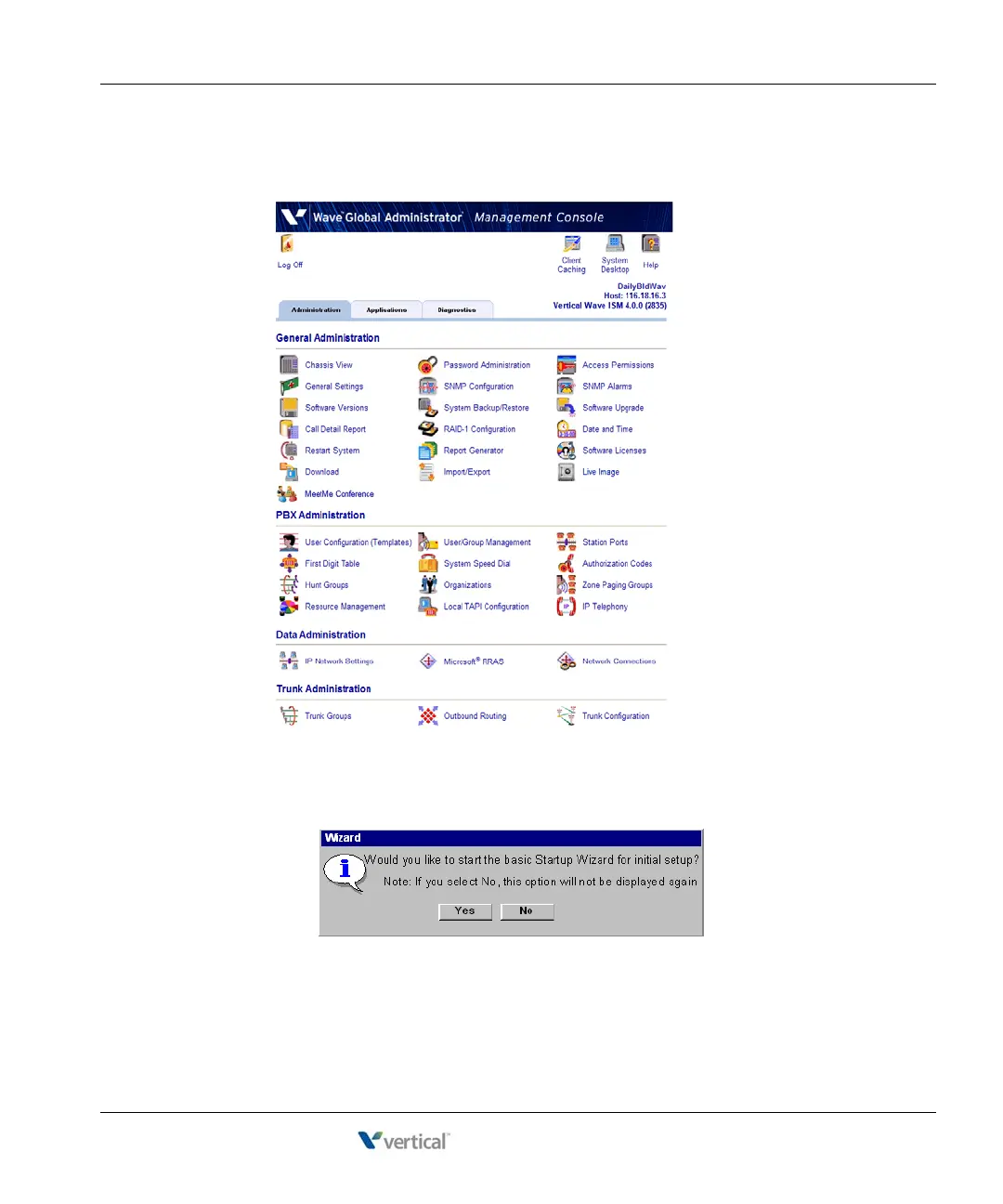
9. The Global Administrator Management Console opens. You are now successfully
connected to the Wave ISM.
10. The first time that you log on to the Wave Global Administrator, you have the option to
start the Wave Installation Wizard:
Important: The Installation Wizard simplifies initial configuration of your Wave system
by presenting a step-by-step walkthrough of the tasks, rather than requiring that you run
the configuration applets individually from the Management Console. Using the



 To Next Page