Connecting to trunk and station ports on the ISC1 4-14
Chapter 4: Setting Up the Wave IP 2500 Server
Wave Server Installation Guide
To connect the Wave IP 2500 Server to your LAN:
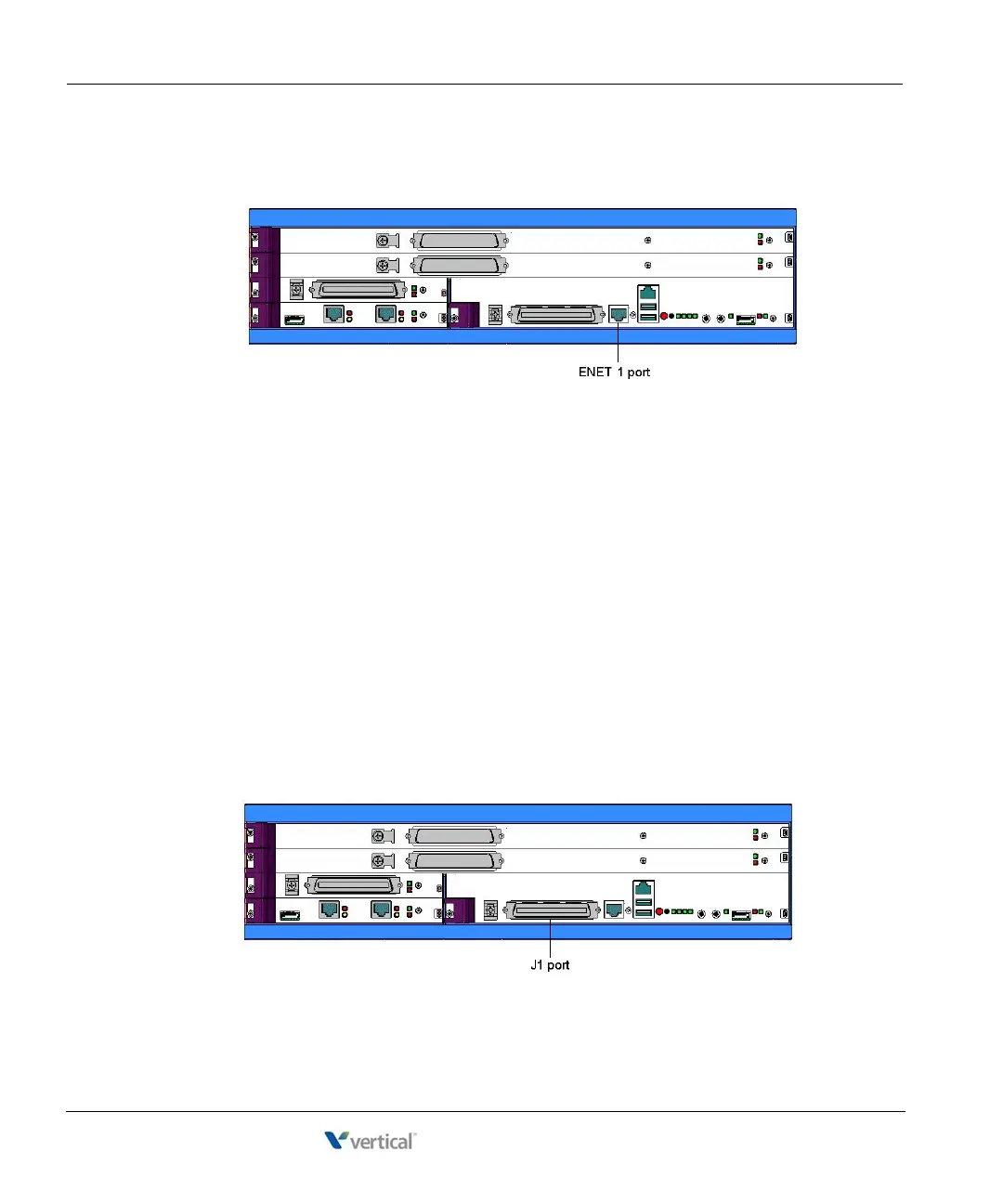
1. Locate the 8-pin modular RJ-45 Ethernet port labeled ENET 1 on the ISC1.
2. Connect one end of a standard, straight-through Ethernet cable to the ENET 1 port.
3. Connect the other end of the cable to your LAN’s Ethernet switch or to a patch panel
connected to an Ethernet switch.
Connecting to trunk and station ports on the ISC1
The RJ-21X port on the ISC1 provides the following:
• 4 analog FXO trunk ports that support loop start trunks only.
• 4 analog FXS station ports.
See Appendix B, ”Trunk and Station Ports and Pinouts” for RJ-21X interface port descriptions
and pinout pairs for the ISC1.
To connect to analog trunk and station ports on the ISC1:
1. Locate the RJ-21X port (labeled J1) on the ISC1.



 To Next Page