Activating Wave licenses 8-11
Chapter 8: Entering and Activating Wave Licenses
Wave Server Installation Guide
Activation results
If activation is successful, activated licenses are returned and automatically added to your
system. You are returned to the screen that displays all of your licenses. Note that the Status
column will not update until you exit and restart the Software Licenses applet.
If activation is not successful, the reason is displayed. The most common status resulting from
an unsuccessful one-click activation, “Activation Pending”, indicates a bad Internet connection,
or that the Vertical Activation Server is down; the system will retry activation automatically. If
you continue to experience problems, try offline activation, or contact your Vertical
representative.
Activating your Wave licenses using one-click activation
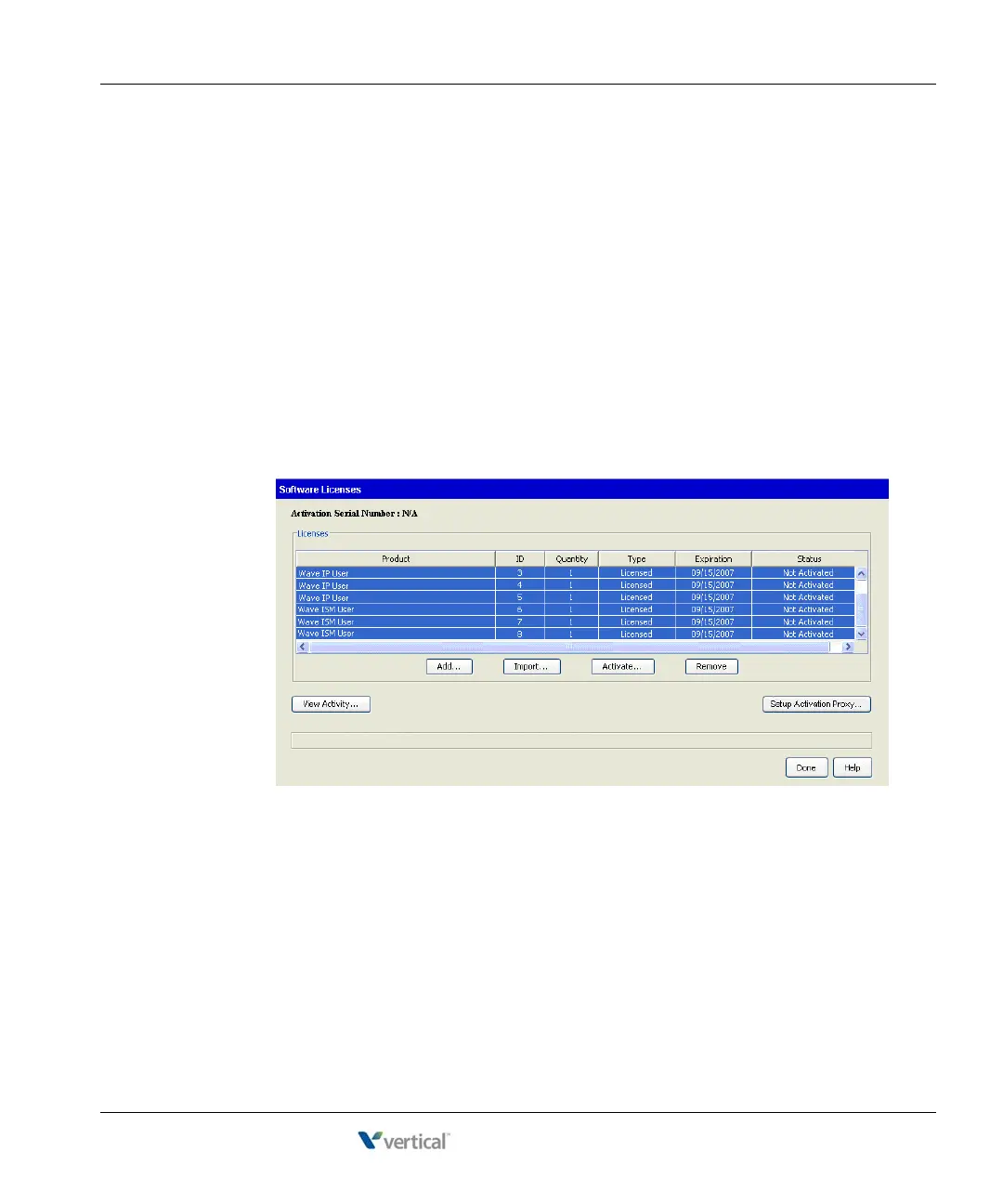
1. In the Software Licenses applet, click one license to activate it or Ctrl-click to select
multiple licenses.
Note: Only those licenses that are in the statuses of Not Activated, Activation Pending,
and Activation Failed can be selected for Activation.
2. Click
Activate. To continue, accept the Vertical Communications Privacy Statement and
then click OK.



 To Next Page