Connecting a DSS Console 3-27
Chapter 3: Setting Up the Wave IP 500 Server
Wave Server Installation Guide
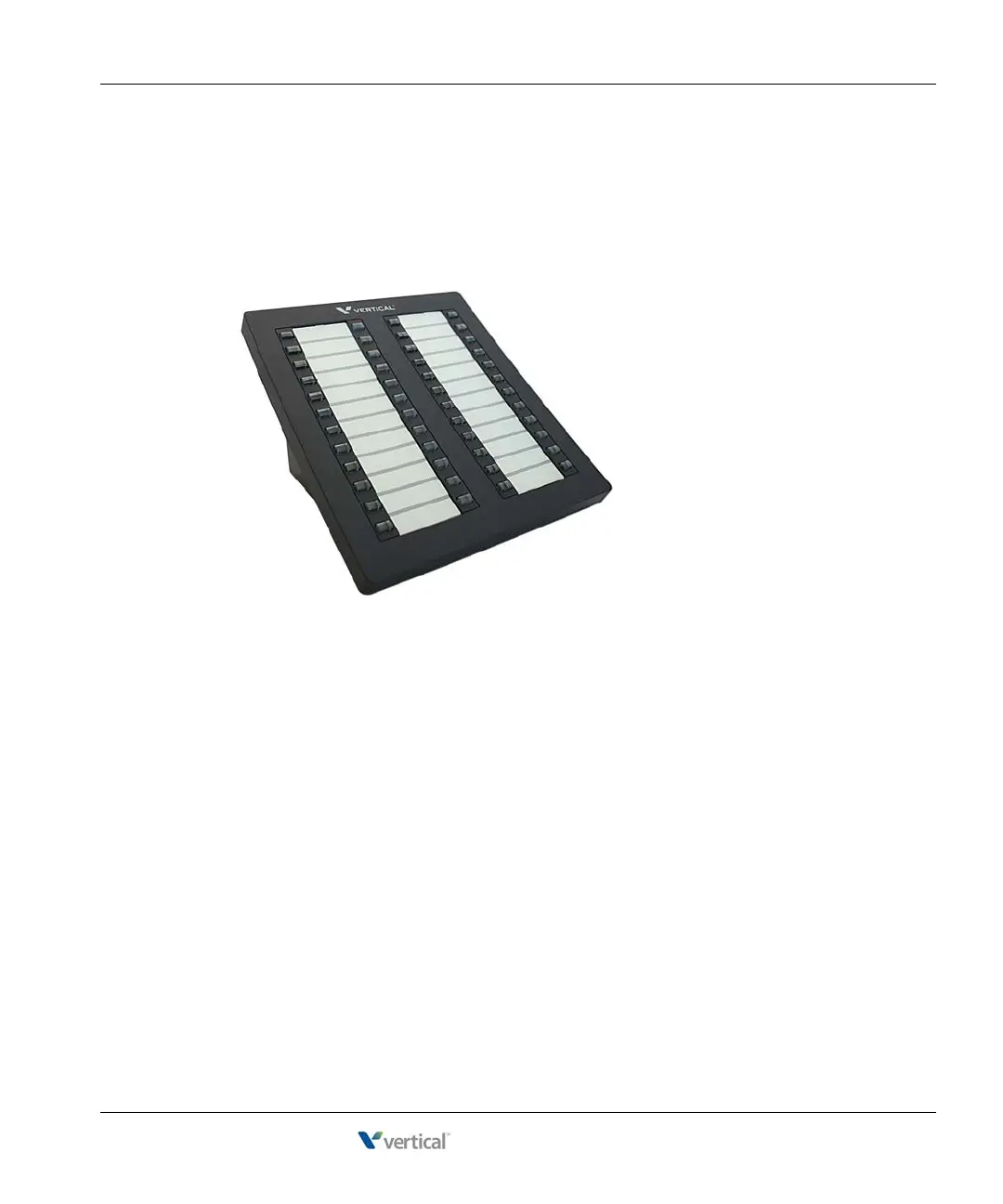
Connecting a DSS Console
The Edge 700 Direct Station Selection (DSS) 48-Button Console expands a receptionist’s
digital phone with 48 additional flexible buttons with LEDs to connect to system endpoints such
as user extensions. Up to 5 DSS Consoles can be associated with a single digital phone,
providing up to 240 additional buttons.
There are two ways to connect the DSS Console:
• To a digital station port on any of the following modules or cards on the Wave IP 2500:
• 12-Port Digital Station Module (VW-12DS2-M)
• 24-Port Digital Station Module (VWU-24DS2-M)
• 48-Port Digital Station Card (VW-48DS2-C) for Edge 700/Vodavi Phone support
Connecting a DSS Console to a digital station port requires a separate digital station port
for the digital phone associated with the DSS Console. In this configuration, there is no
physical connection between the DSS Console and the user’s digital phone.
• Directly to an Edge 700 - 24 button digital phone. In this configuration, the digital
phone and DSS Console share a single cable run from the user’s desk to the Wave Server.
Only one digital station port is required.
Note: Only one DSS Console can be connected directly to the digital phone. Up to 4
additional DSS Consoles that are each connected to a digital station port as described
above can be associated with that digital phone.



 To Next Page