Entering Wave licenses 8-6
Chapter 8: Entering and Activating Wave Licenses
Wave Server Installation Guide
Entering Wave licenses
You can add Wave licenses to the Wave ISM in either of the following ways:
• Import a license file, as described in the next section.
• Enter the license key for each license, as described on page 8-7.
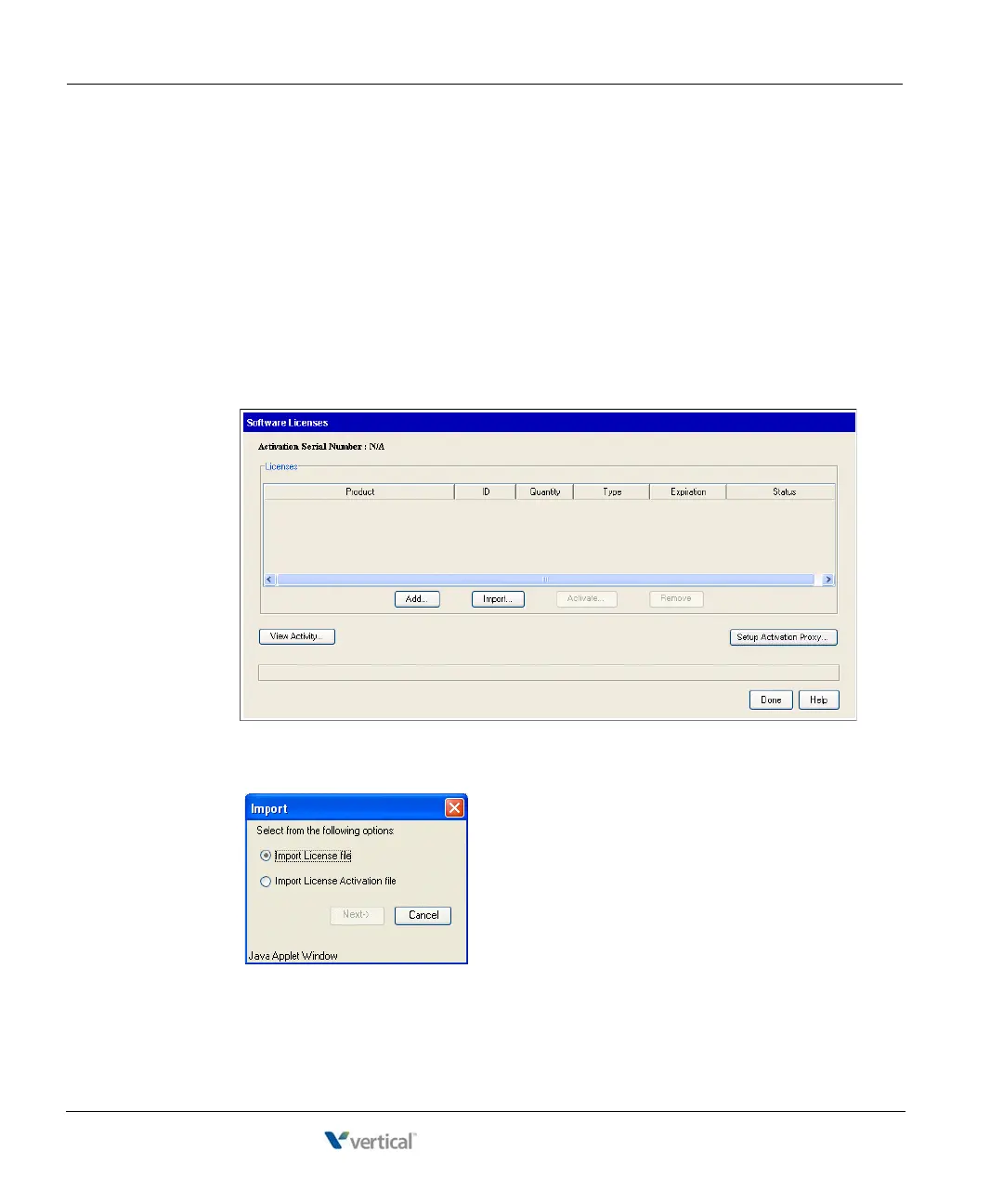
Entering Wave licenses by importing a license file
1. On the Administration tab of the Global Administrator Management Console, select
Software Licenses. The Software Licenses applet starts and displays any licenses that
have already been entered:
2. Click
Import. When the Import dialog opens, click Import License file and then click
Next.



 To Next Page