Activating Wave licenses 8-8
Chapter 8: Entering and Activating Wave Licenses
Wave Server Installation Guide
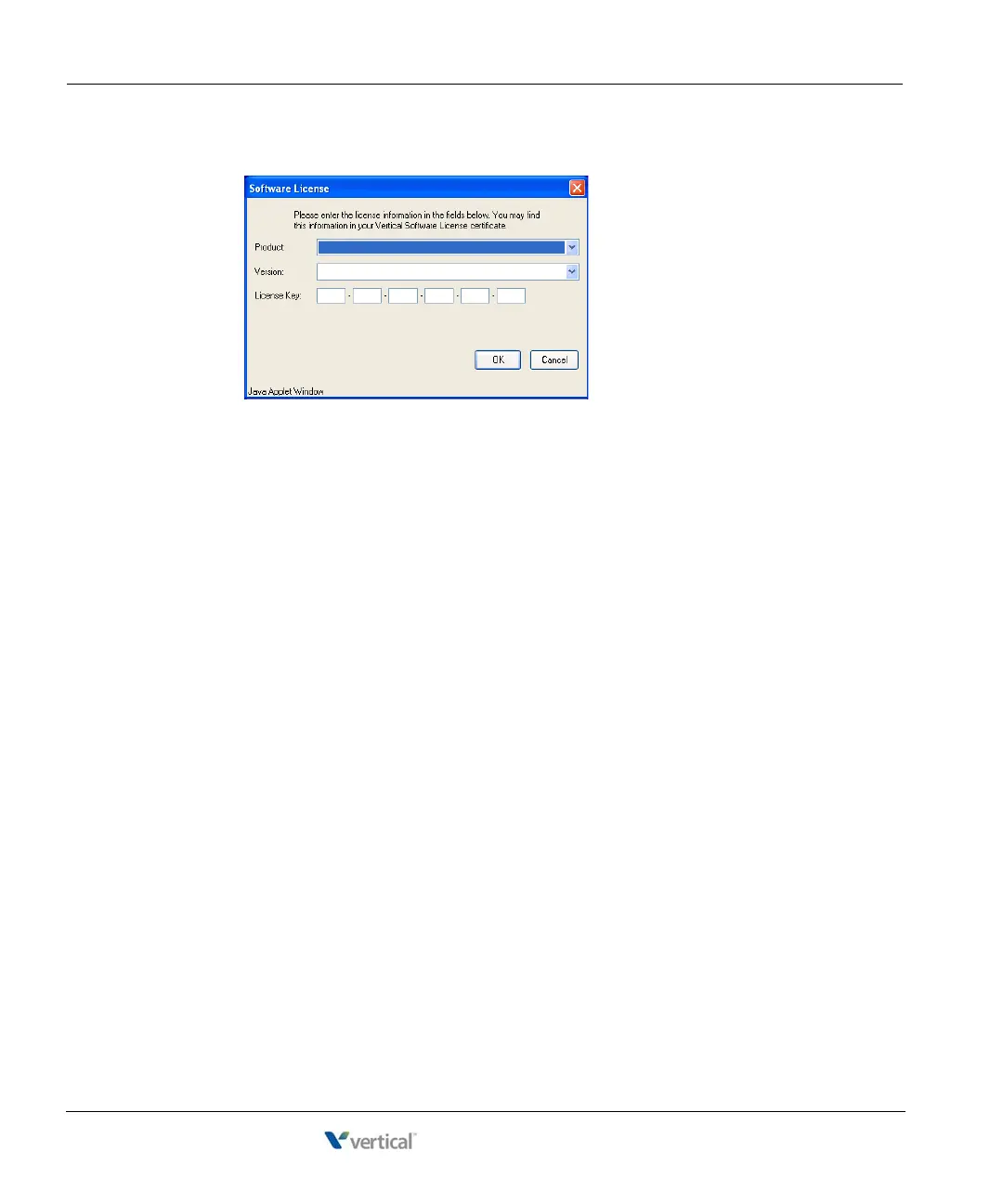
2. Click Add. The Software License dialog opens:
3. Enter the following information:
• Select the
Product for which you want to enter licenses from the drop-down list.
• Select the
Version number for that product.
• Enter the full 24-character
License Key.
4. Click
OK. The license you added is now displayed.
5. To add additional licenses, repeat steps 2-4. When you are done, go to the next section to
activate the new licenses.
Activating Wave licenses
You activate your Wave licenses to enable full functionality on your Wave system. Once you
have entered your licenses, you are ready to activate them.



 To Next Page