Mounting the Wave IP 500 Server 3-9
Chapter 3: Setting Up the Wave IP 500 Server
Wave Server Installation Guide
To wall mount the Wave IP 500 Server:
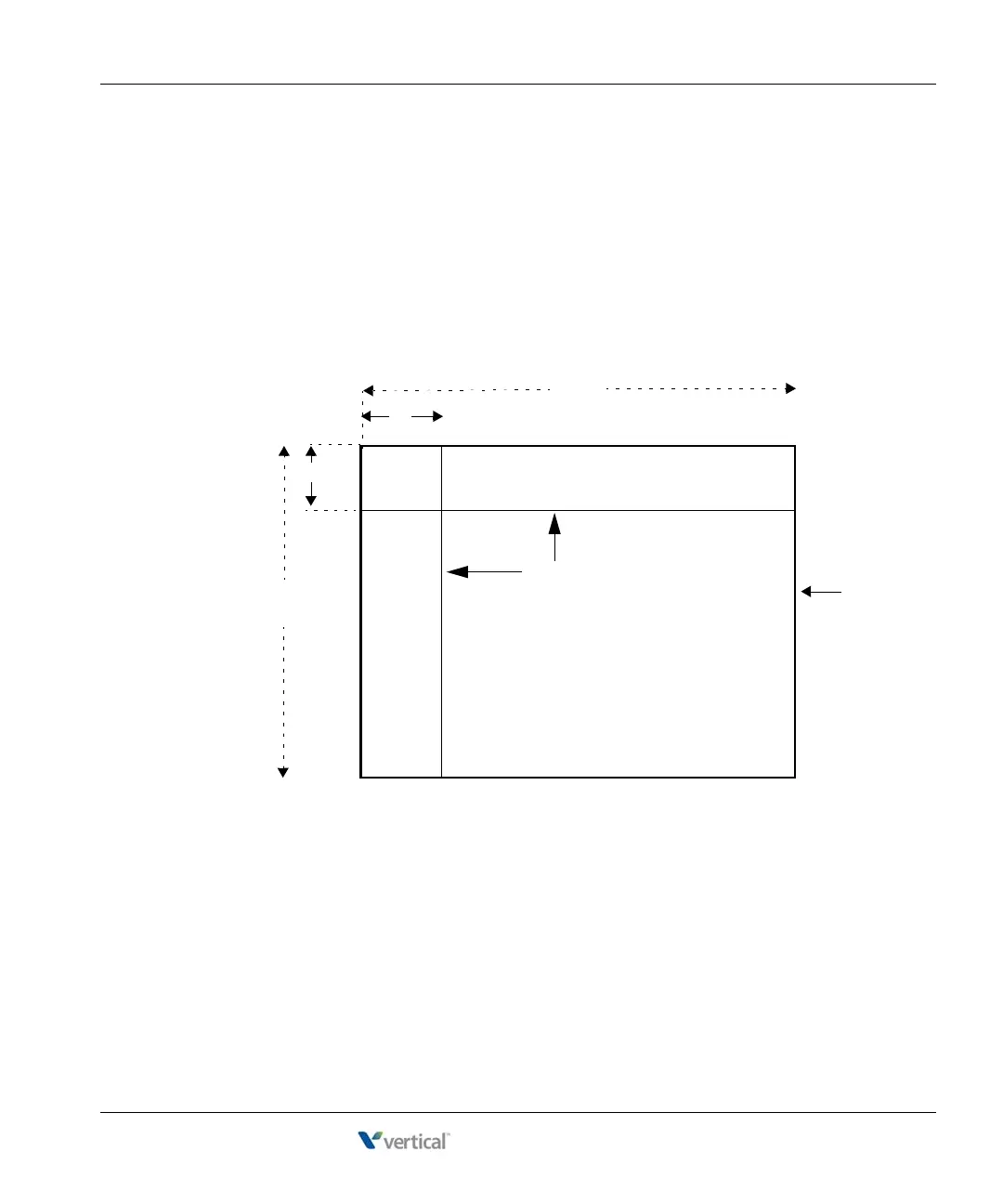
1. Prepare a piece of plywood that meets the following minimum dimensions for proper
ventilation and service access:
Thickness—0.75 inches (2 cm)
Height—24 inches (61 cm)
Width— 34 inches (86.4 cm)
2. Draw a vertical line on the plywood 4 inches (10.2 cm) from the left edge, and a
horizontal line 3-1/4 inches (8.3 cm) from the top edge:
3. Locate supporting studs in your wall, and firmly attach the prepared piece of plywood to
the studs using the appropriate screws.
Plywood
24"
34 “
(10.2 cm)
3 1/4"
(8.3 cm)
4”
Two lines
(61 cm)
(6.4 cm)



 To Next Page