6.9 Selecting Language
Use the following procedures to select the language:
1. Click the icon .
2. Click the icon .
3. Click the item of Display.
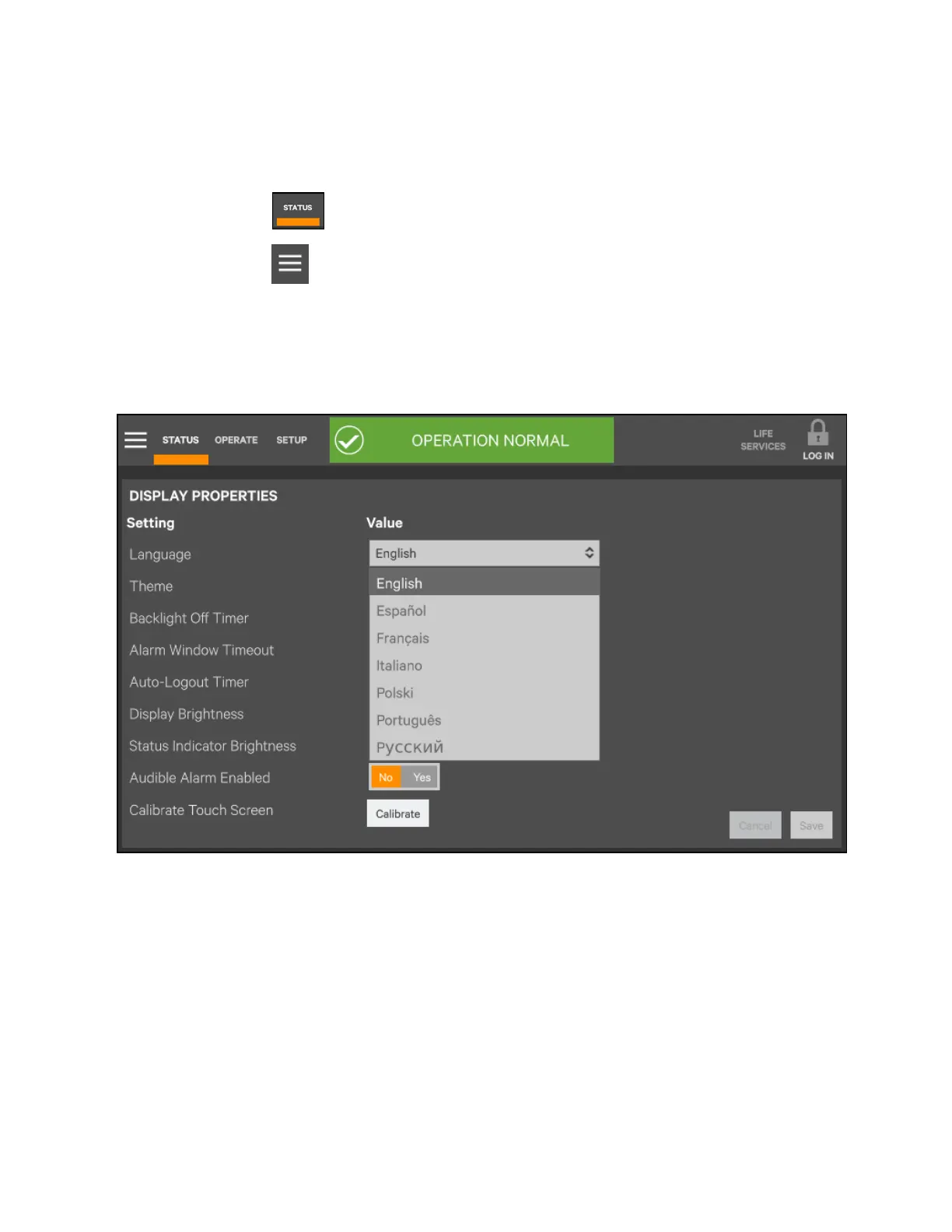
4. Click 'Display Properties'.
5. As shown in Figure 6.11 below, click 'Language' to set the language you need.
Figure 6.11 Setting language
6 Single UPS Operation Introduction
118
Vertiv™ Liebert® EXM2 UPS User Manual











 To Next Page