5.3.2 Customizing the Display
The Vertiv™ Liebert® EXM2 Touchscreen Control Panel’s default appearance will be adequate for most installations, but the
Status panels can be altered to show additional or different data. Layouts may be chosen by any user with a PIN: Operator,
Administrator or Service; the layout chosen will be applied to all users. Layouts may be created or altered only with
Administrator or Service Access.
N O T E: T he orig inal configuration, Default V iew 1, cannot be deleted. Editing through the m enus w ill
create a new view w ith the new settings. The Default View 1 can be altered w ith the pencil ed it icon
in the display (see U sing the Edit Icon to C ustom ize Layout).
To customize the display’s appearance:
1. Log in to the Vertiv Liebert EXM2 Touchscreen Control Panel as Administrator or Service detailed in Log In to
the Vertiv Liebert EXM2 Touchscreen Control Panel .
2. From the STATUS view, touch the Context Menu icon in the top left corner (shown at right).
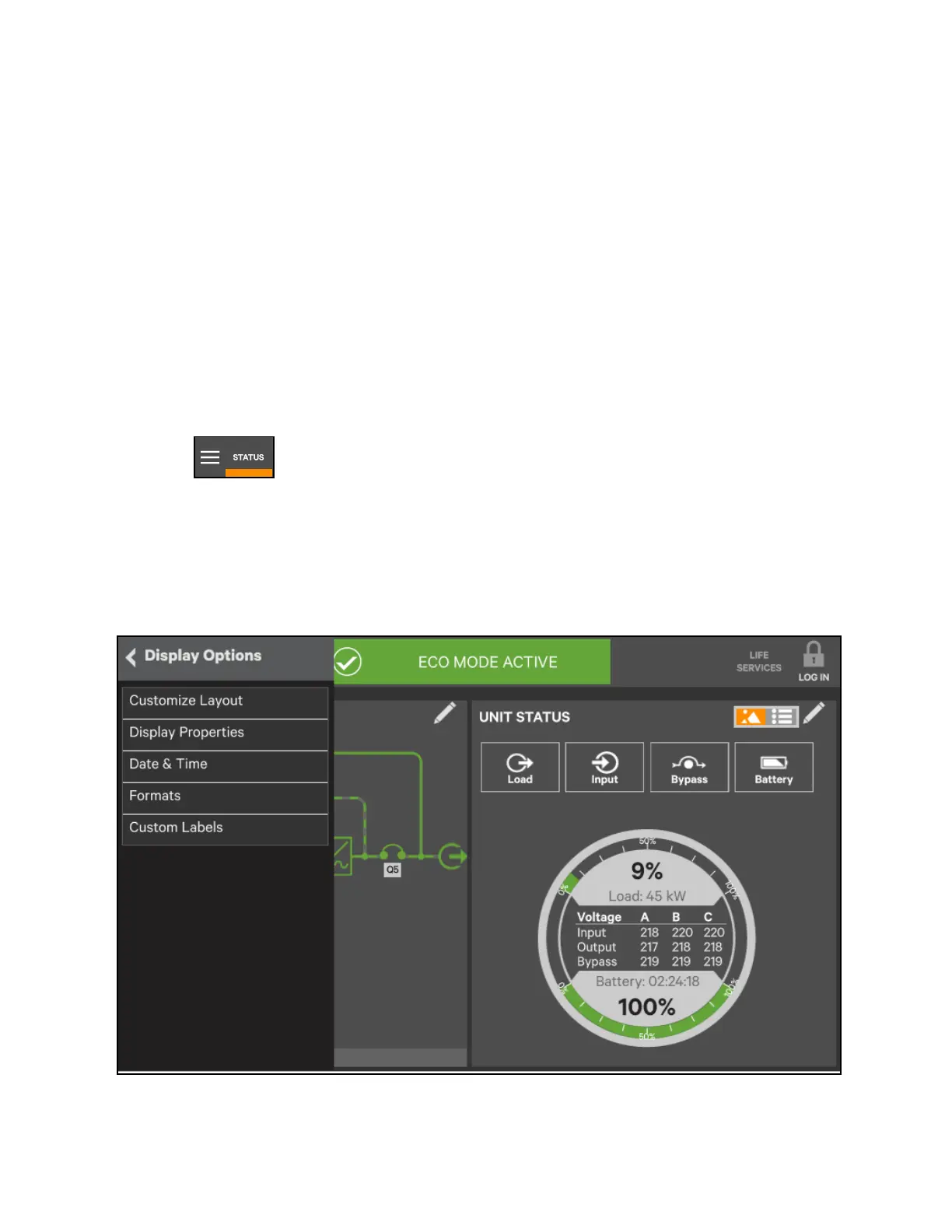
3. Select Display Options -> Customize Layout. (The right pane details how to edit or create a view; see Figure 5.11
below). Edit a View.
4. Touch a view to highlight it or touch Edit to change that view. Create a View
5. Touch the New button to create a view.
Figure 5.11 Custom ize th e disp lay
5 Operator Control and Display Panel
67
Vertiv™ Liebert® EXM2 UPS User Manual











 To Next Page