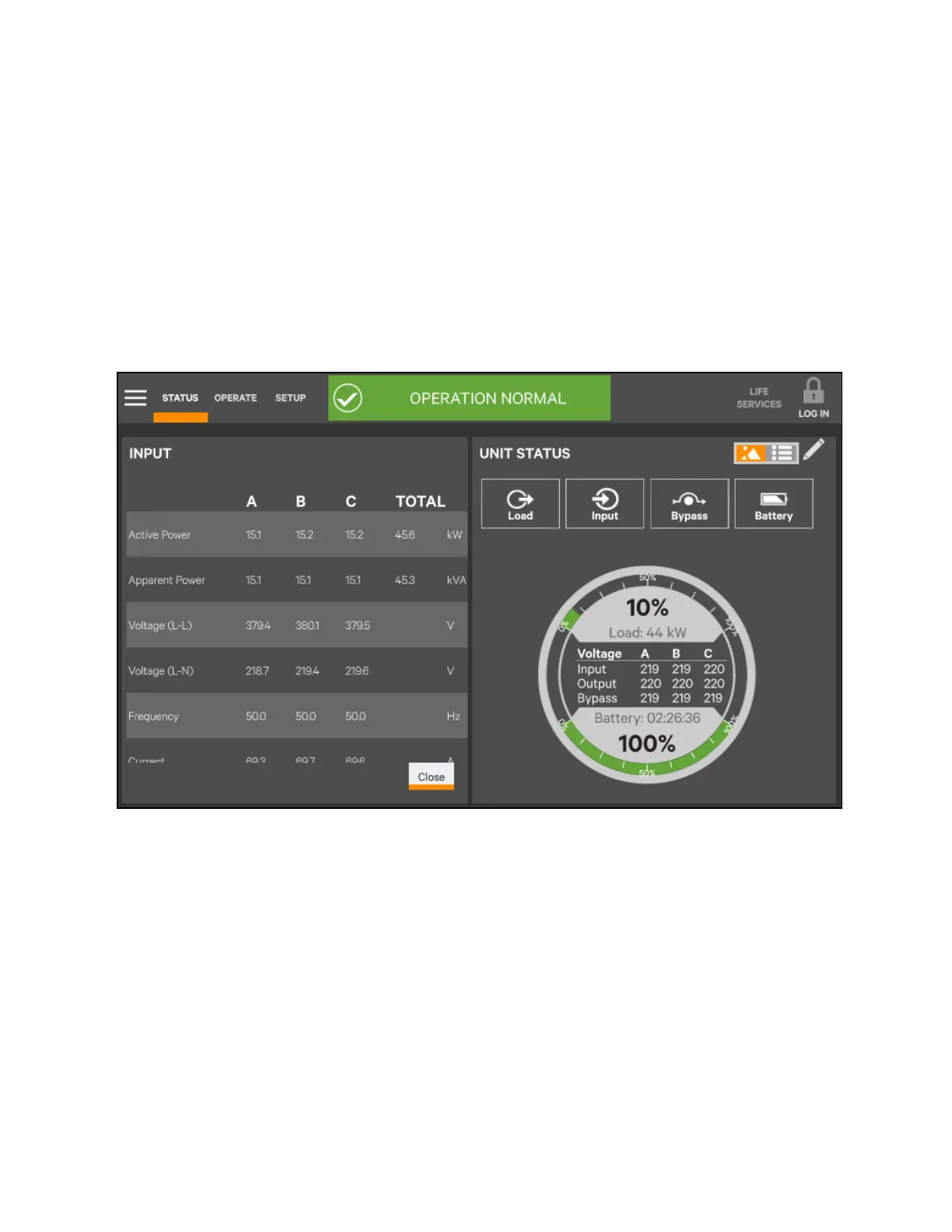
5.4.2 Viewing UPS Data with the Status Panel
More-detailed information about the UPS’s status is readily available through the Status panel. Touching a component in the
animated mimic display brings up data about the component on another pane. Touching a parameter icon on the UNIT
STATUS pane brings up further details about that parameter.
The same data can be viewed by switching to the text view. The length of the lists and order of the details may require
scrolling to find the desired data.
N O T E: A param eter m ust be visib le on the graphic view of the UN IT STAT US screen for details to be
viewed, even in the text view .
Figure 5.25 Unit status— Input details
5 Operator Control and Display Panel
84
Vertiv™ Liebert® EXM2 UPS User Manual











 To Next Page