6.11 Control Password
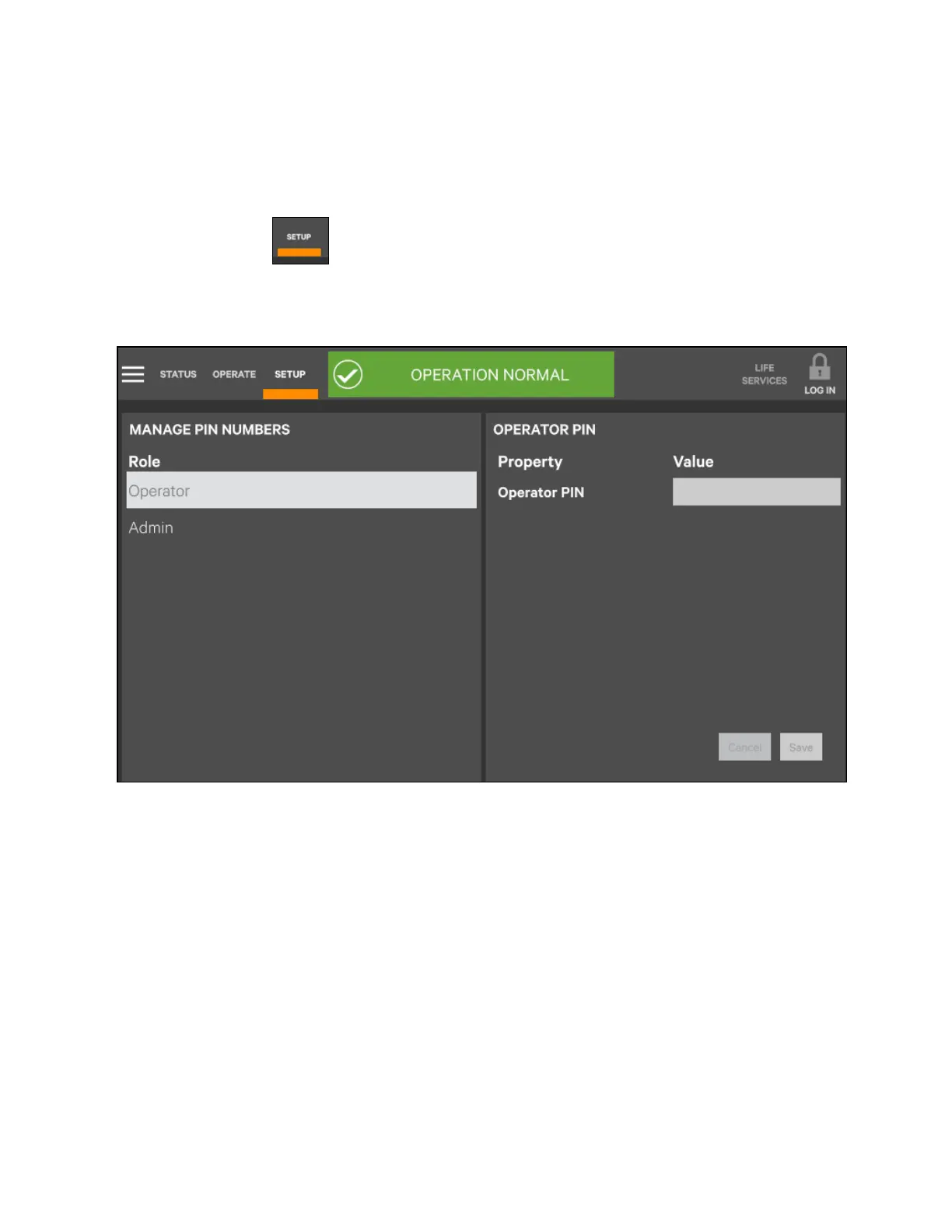
To change password, carry out the following procedures:
1. Enter SETUP level.
2. Click the icon .
3. Refer to Figure 6.13 below, set password changing.
Figure 6.13 Settin g passw ord
6 Single UPS Operation Introduction
120
Vertiv™ Liebert® EXM2 UPS User Manual











 To Next Page