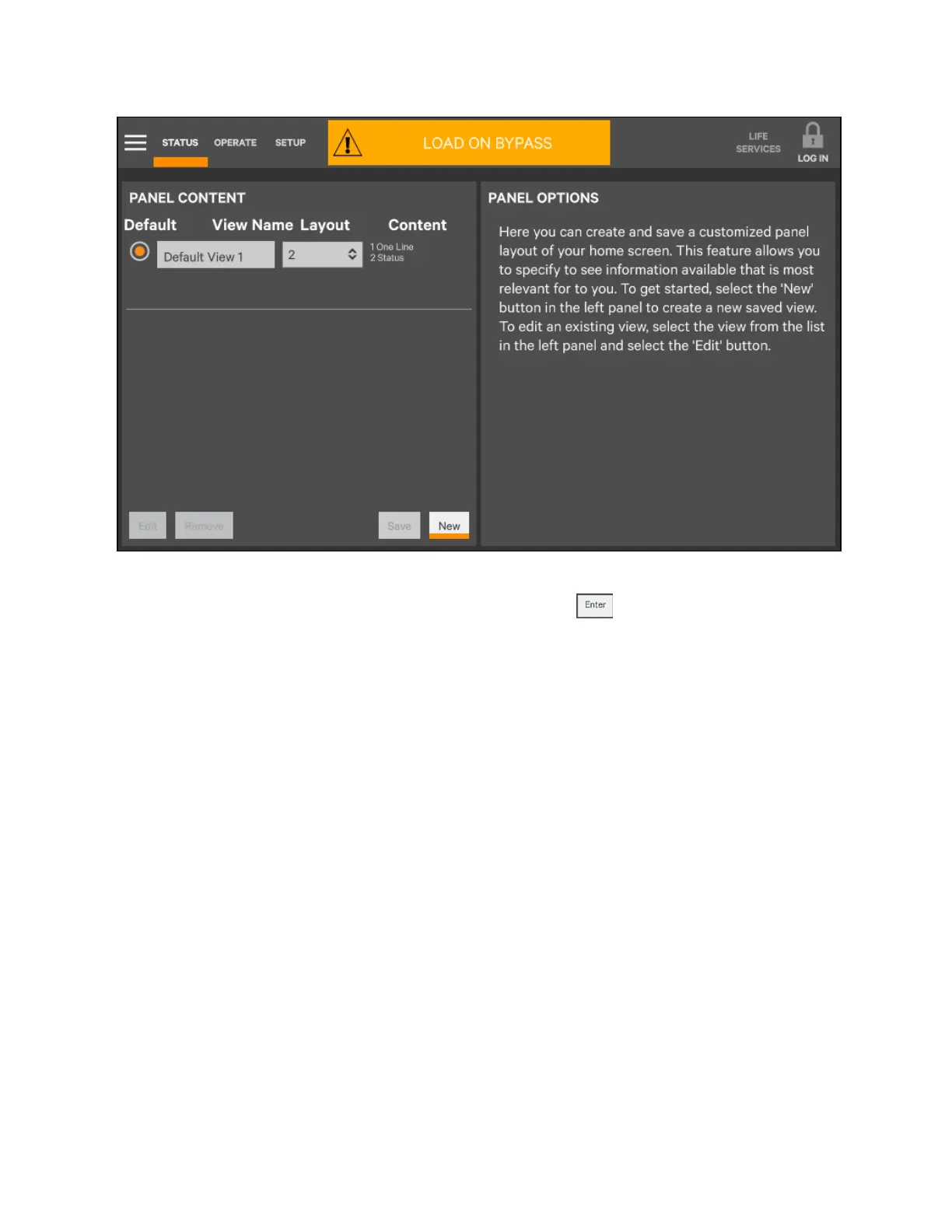
6. Either accept the generated name (New View) or touch the view’s name to rename it using the on-screen
keyboard (maximum length is 14 characters). Touch the Enter key on the on-screen keyboard after
entering the new name.
7. From the drop-down list under the Layout heading, select the number of panes in the new or edited view (the
maximum is four).
8. Choose the data to be displayed in each pane by touching a choice in the PANEL OPTIONS and then touching
the appropriate panel. Repeat for each pane.
9. Touch the Save button to keep the changes or touch the Cancel button to exit the screen without saving.
5 Operator Control and Display Panel
68
Vertiv™ Liebert® EXM2 UPS User Manual











 To Next Page