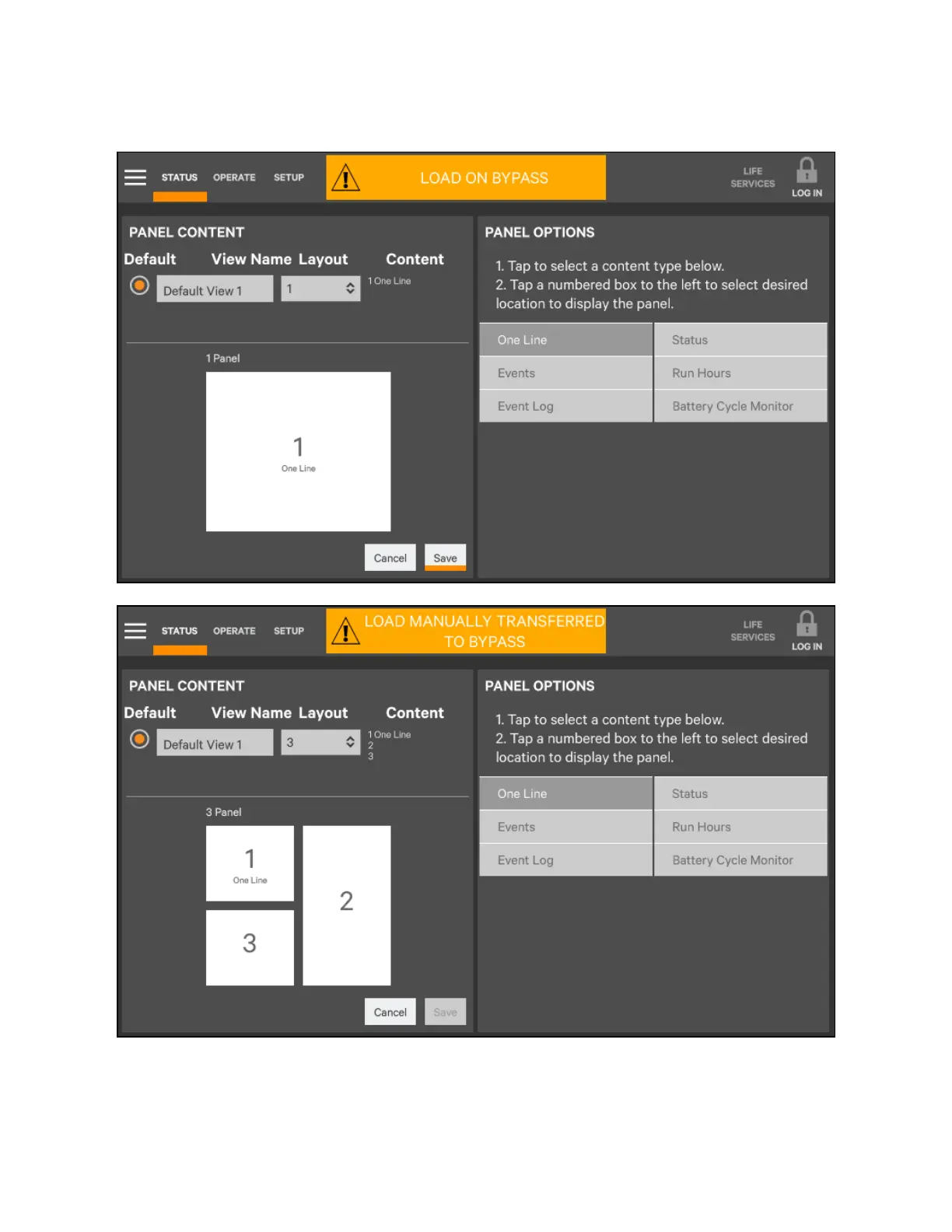
Figure 5.12 Set num ber of pan es and choose data
10. Touch the Save button.
11. When the window returns to two screens—PANEL CONTENT and PANEL OPTIONS—touch the radio button
beside the new view to activate it (this puts a dot inside the circle).
5 Operator Control and Display Panel
69
Vertiv™ Liebert® EXM2 UPS User Manual











 To Next Page