EasyManua.ls Logo

Vertiv SmartCabinet - 4.2.4.4. Video management

Vertiv SmartCabinet
160 pages
Print Icon
To Next Page IconTo Next Page
To Previous Page IconTo Previous Page
Loading...
Vertiv | SmartCabinet | User Manual 107
System Operation
» 


» 


The default server port is 25. When SSL is selected, the server port automatically becomes 465. The
default Email User is RDU-A. When using SSL, ensure that the Email server supports the SSL function.
» 

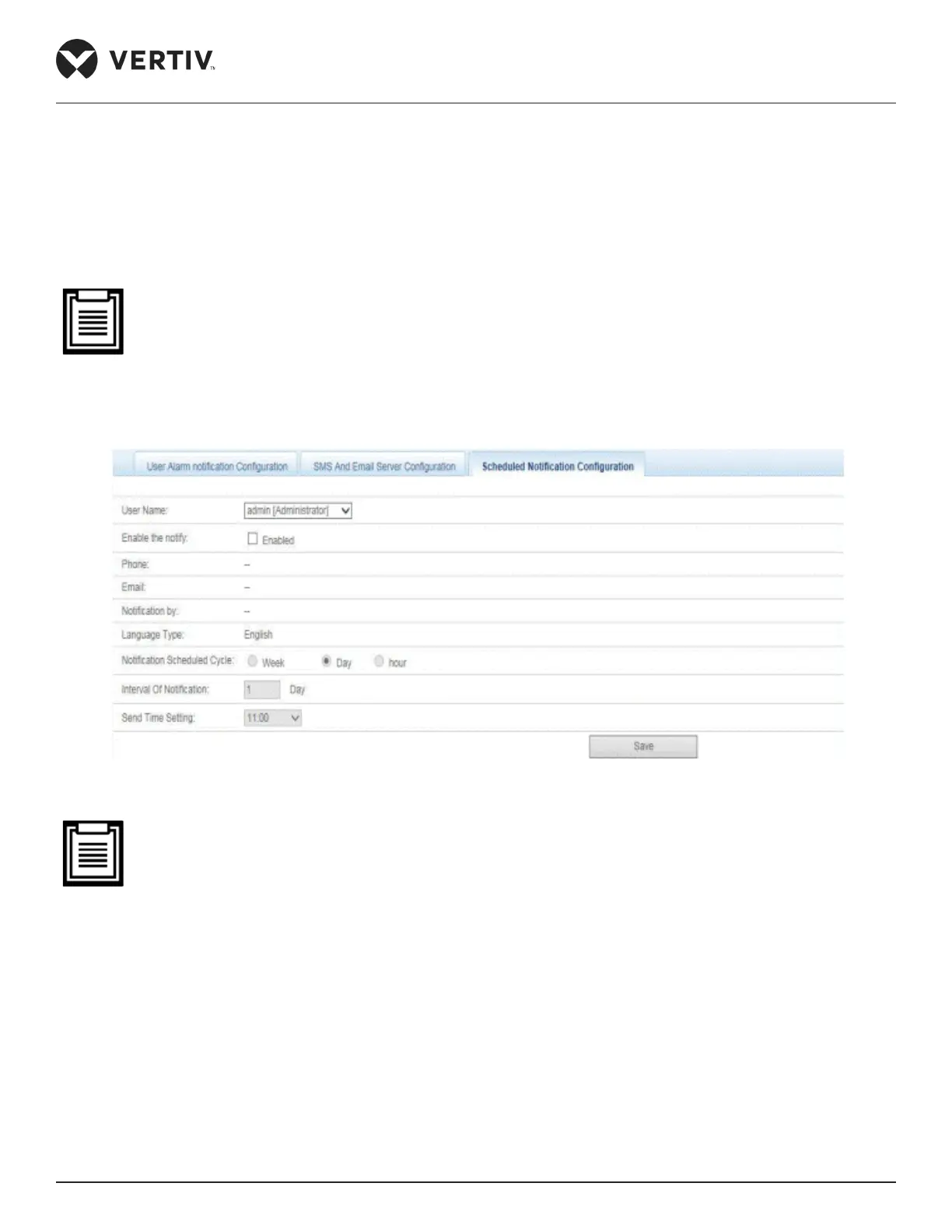
Figure 4-74 Scheduled Notication tab
Scheduled Notication Conguration must be used in conjunction with the Alarm notication congu-
ration; else the User Name, Notication by, and Language Type cannot be selected.
The Phone notication method is not supported by the Scheduled Notication Conguration.
Scheduled Notication involves sending the running state of the MSC card system (either normal or
alarm) to the users.
» 



the settings.

Table of Contents

Related product manuals