Vertiv | SmartCabinet | User Manual 117
System Operation
»
»
• When installing the device type, it can not be installed repeatedly if the device type exists and the device
driver has a higher version to add than the driver.
• If the installation pack has no version information, or the version information does not match the soft-
ware version, the device type cannot be installed.
• If some device uses the device type, the Uninstall button becomes gray, displaying Using (Refer Figure
3-83), and the device type cannot be uninstalled.
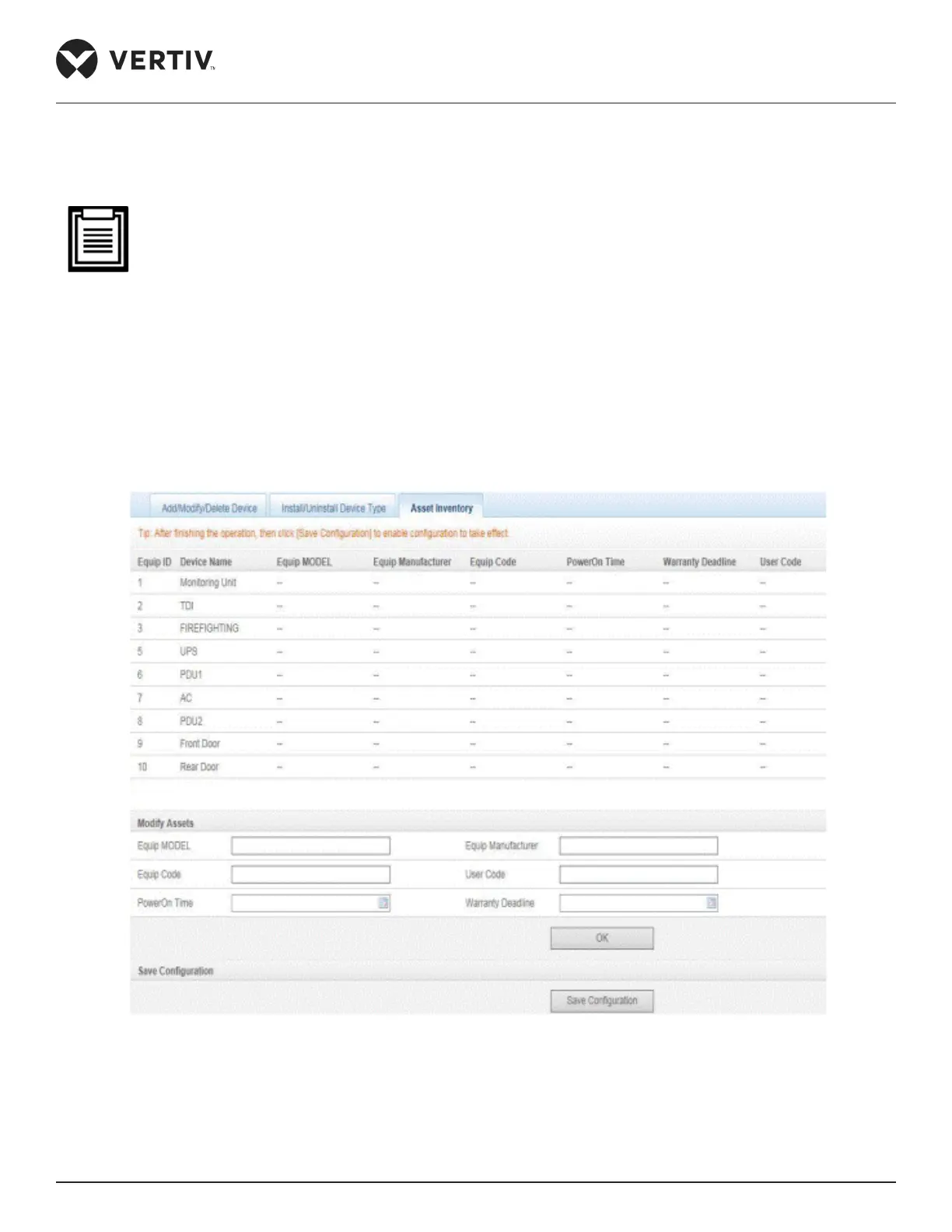
Asset Inventory
Click the Asset Inventory tab and the following screen as shown in Figure 4-89 is displayed.
Figure 4-89 Asset Inventory
»



 To Next Page