Vertiv | SmartCabinet | User Manual 58
System Commissioning
5. Once the upgrade is successful, it will direct the LCD interface to the main page of the system.
6. Check whether the equipment enters the normal operation status via the LCD screen. Once it is
conrmed that the equipment runs normally, the server and other IT devices can be started.
Intelligent Lock Commissioning (For specic models only)
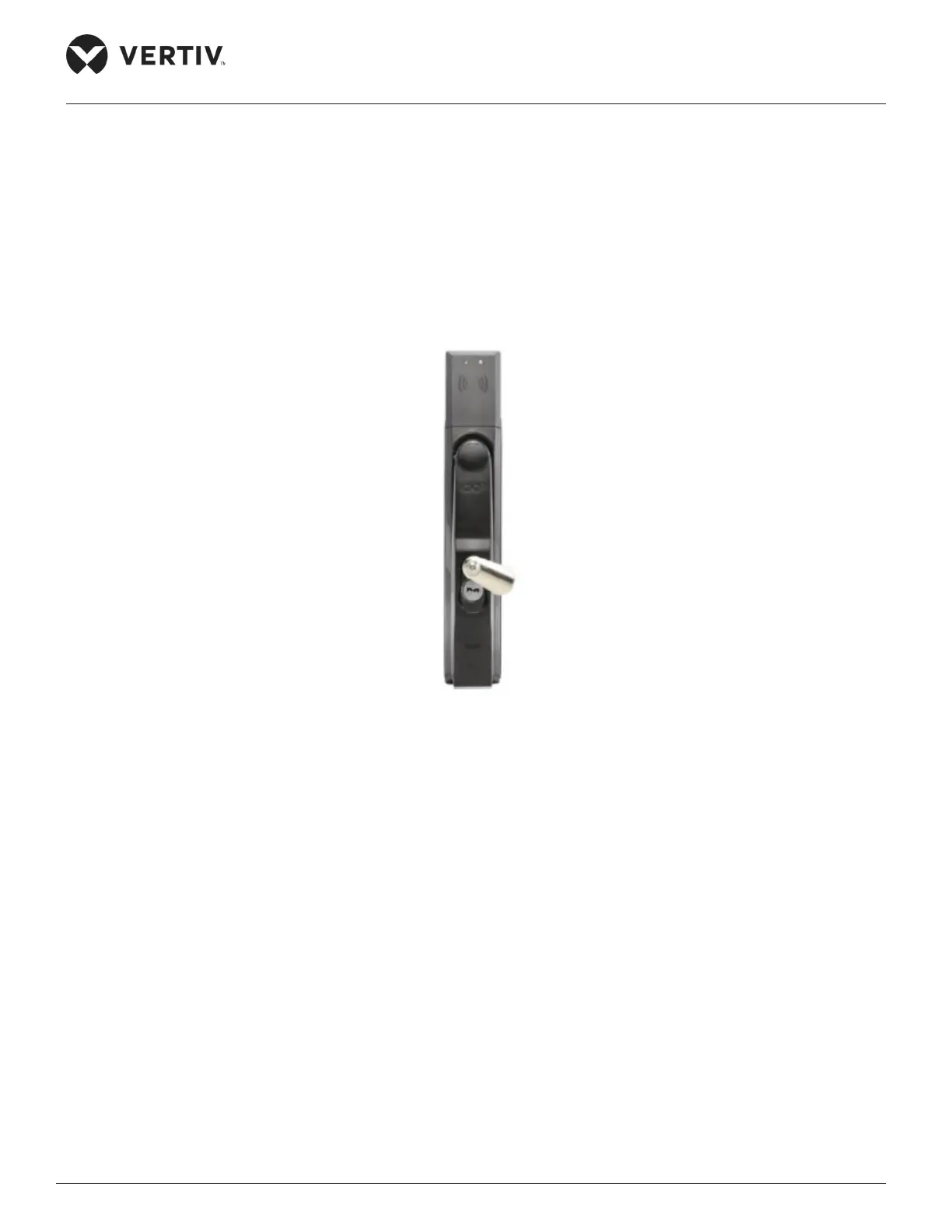
1. The SmartCabinet system has an intelligent lock which supports both the key as well as the ID card. The
key can be used to open the lock at any time; therefore, the key must be kept in a secure condition.
Figure 3-6 Appearance of the SmartCabinet intelligent lock
2. Once the intelligent lock is powered on, use the ID card to conrm that the lock can be opened normally.
3. If the door needs to be opened remotely, access the SmartCabinet through the web page. Click on Home
Page and click on the Cabinet Data sub menu.
» Click on Front Door or Rear Door > Control tab.
» Click the Remote Open Door option setting and set the value to True. Click on Set following which
the eld operator can open the corresponding cabinet door on receiving the locking signal.



 To Next Page