Vigilant MX1 Operator Manual Document: LT0344
Page 9-4 8 August 2017 Issue 2.4
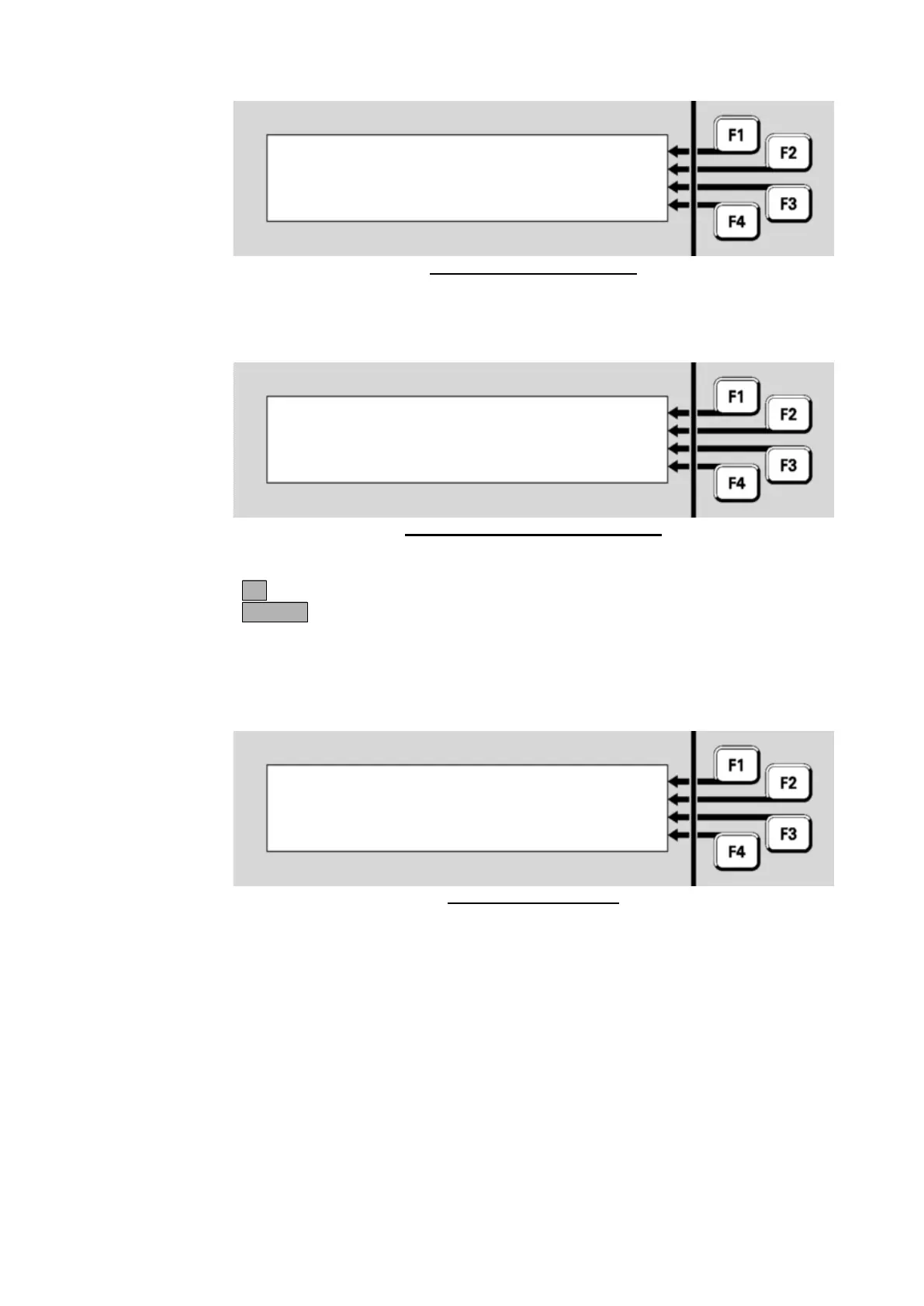
Fig 9-2 – Connected Display
If the connection cannot be established No response from SID xx will be
displayed as per the example in Figure 9-3.
Fig 9-3 – Failed to Connect Display
Press:
OK to retry,
CANCEL to return to the previous menu.
While in Tandem mode a column of * characters will flash, either
replacing the ‘|’ characters if there is a menu displayed (as per the
example in Figure 9-4) or on the right hand side of the display.
Fig 9-4 – Tandem Mode
During Tandem mode, all keypresses are sent to the remote panel, and
display updates come from the remote panel.
To exit the Tandem connection, press and hold the CANCEL key for
approximately one second and select OK when prompted. Also, if no
keys are pressed for 5 minutes, a prompt is given to maintain the
connection. If no key is pressed then the connection is cleared after 10
seconds. If a new unacknowledged FF alarm occurs while tandem mode
is active, the tandem connection is terminated automatically and the FF
alarm list is displayed.
If the device being connected to is an AS4428 panel with a two line LCD,
then MX1 provides a menu on the fourth line of the LCD to allow keys
No response from SID 23 ***
*** You are connected to SID 23 ***
*** Press and hold CANCEL to exit ***



 To Next Page